UiFlow Touch unresponsive
-
Hello
After installing the UIFLOW app v1.7.8-core2 on my device I noticed the touch buttons and screen do not respond to input. I read about the need to ground the device using either the USB or holding directly. I have tried the older app version from v1.7.6-core2 and v1.7.6-core2. I also tried my own touch app using the blockly editor and the demo Drawing board app. However, in both cases, the apps won't respond to input.
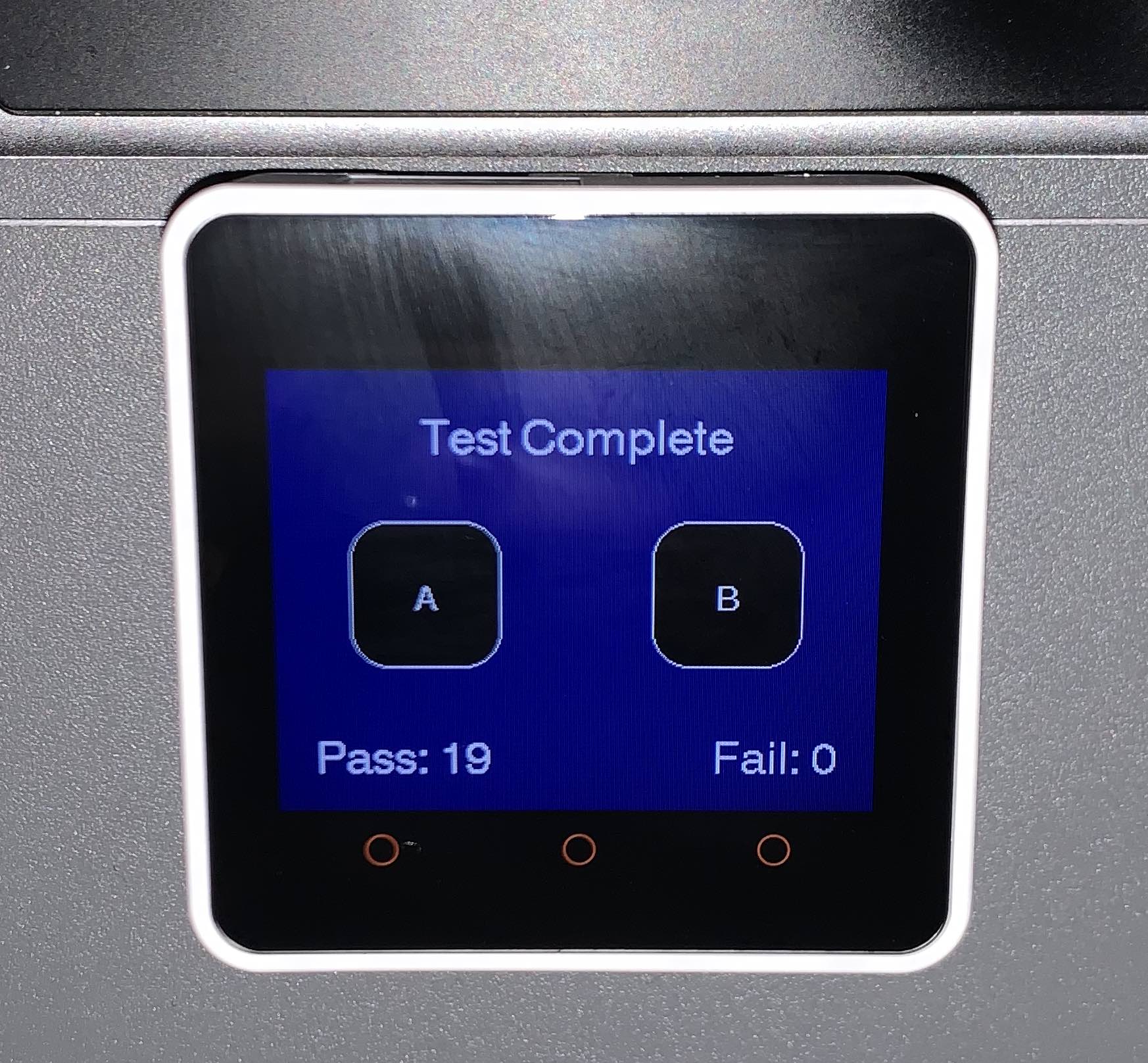
At first, I thought the device was a dud and considering returning it. But when I flashed back to the Core2 FactoryTest application the screen does register inputs.
I also compiled and installed the Arduino TouchGoal app and it works
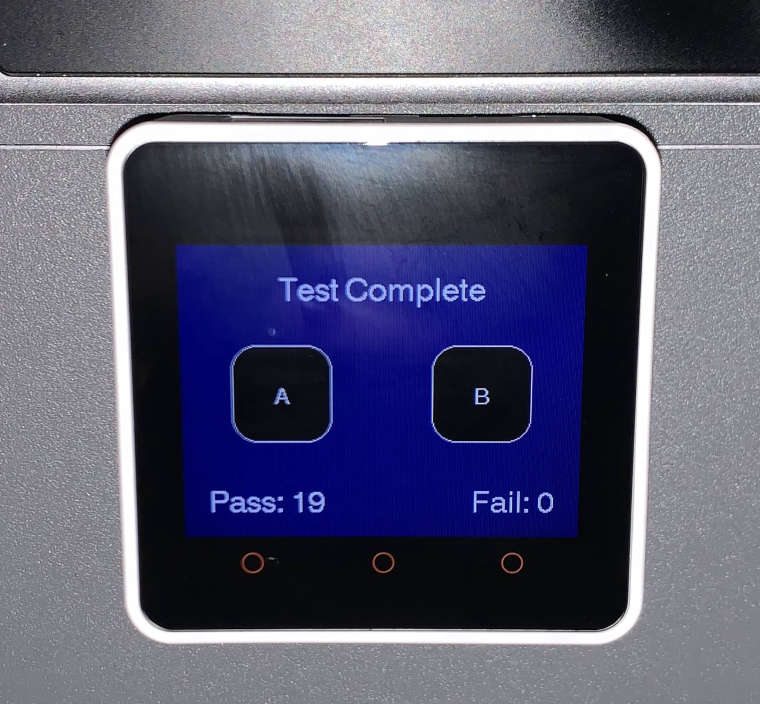
Is there a touch sensor issue in the current UiFlow firmware for the core2 series?
-
Hello @bmweller
The touch screen on my M5Core2 (running UIFlow 1.7.8) works fine. I can define buttons on the screen or use the three buttons at the bottom of the screen just fine.
Care to share your UIFlow Code?
Thanks
Felix -
Hi Felix, thank you for the response.
I'm just trying the demo app in the UIflow for the core2 called Drawing Board. I tried uploaded but got the following error.
ERROR
You do not have enough privileges for this action. -
Hello @bmweller
M5Stack has just released UIFlow 1.8.0. Unfortunately loading any old m5f files is broken in this release. We need to wait until M5Stack fixes that unfortunate regression.
Thanks
Felix

Hello! It looks like you're interested in this conversation, but you don't have an account yet.
Getting fed up of having to scroll through the same posts each visit? When you register for an account, you'll always come back to exactly where you were before, and choose to be notified of new replies (either via email, or push notification). You'll also be able to save bookmarks and upvote posts to show your appreciation to other community members.
With your input, this post could be even better 💗
Register Login