UIFlow Desktop: “Upload code failed, device offline” error with M5Stack Core2 (Windows 10)
-
I would like to program my M5Stack Core2 ESP32 using the UIFlow Desktop Version on Windows 10.

My progress so far:
1.) Installed the CP2104 USB-to-UART Bridge Controller driver on my computer.
2.) Connected the M5Stack Core2 ESP32 to my computer via USB.
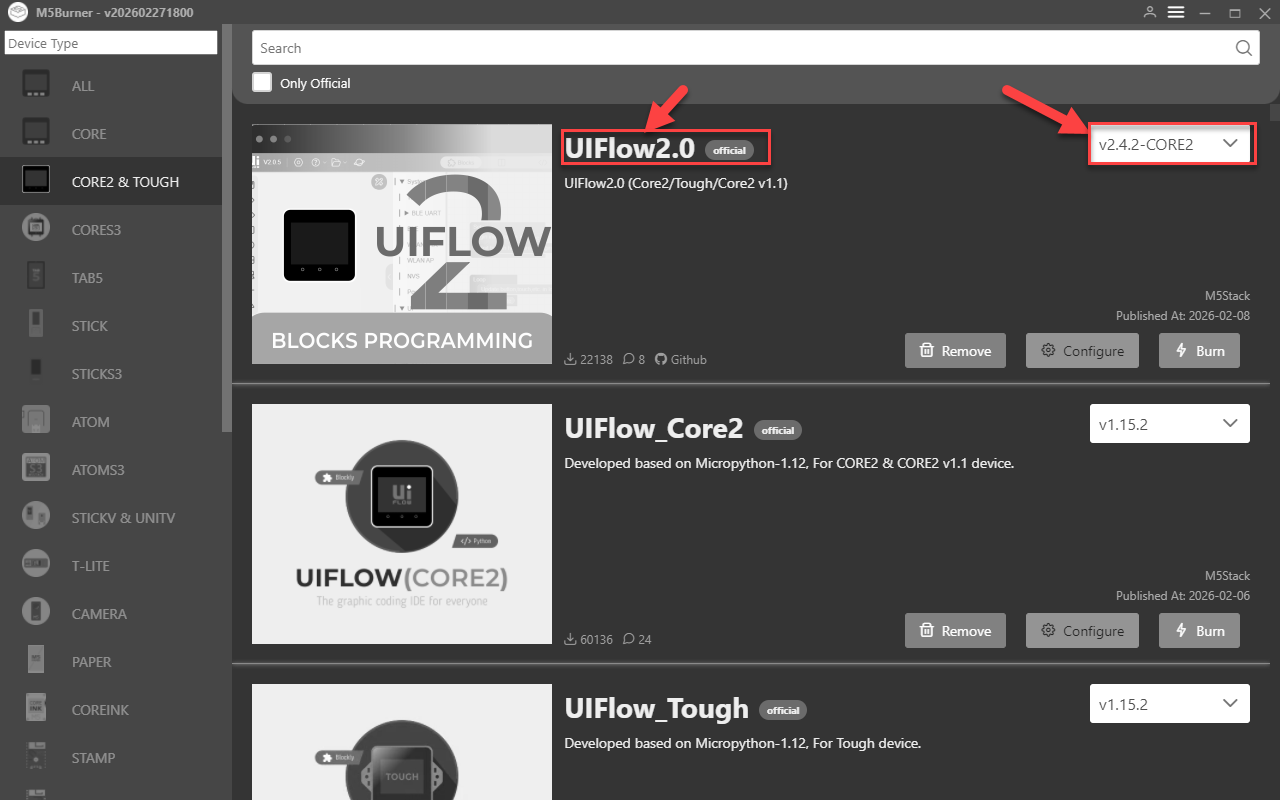
3.) Flashed UIFlow 2.0 Firmware (v2.4.2-Core2) using the M5Burner tool.
4.) Started UIFlow-Desktop-IDE.exe.
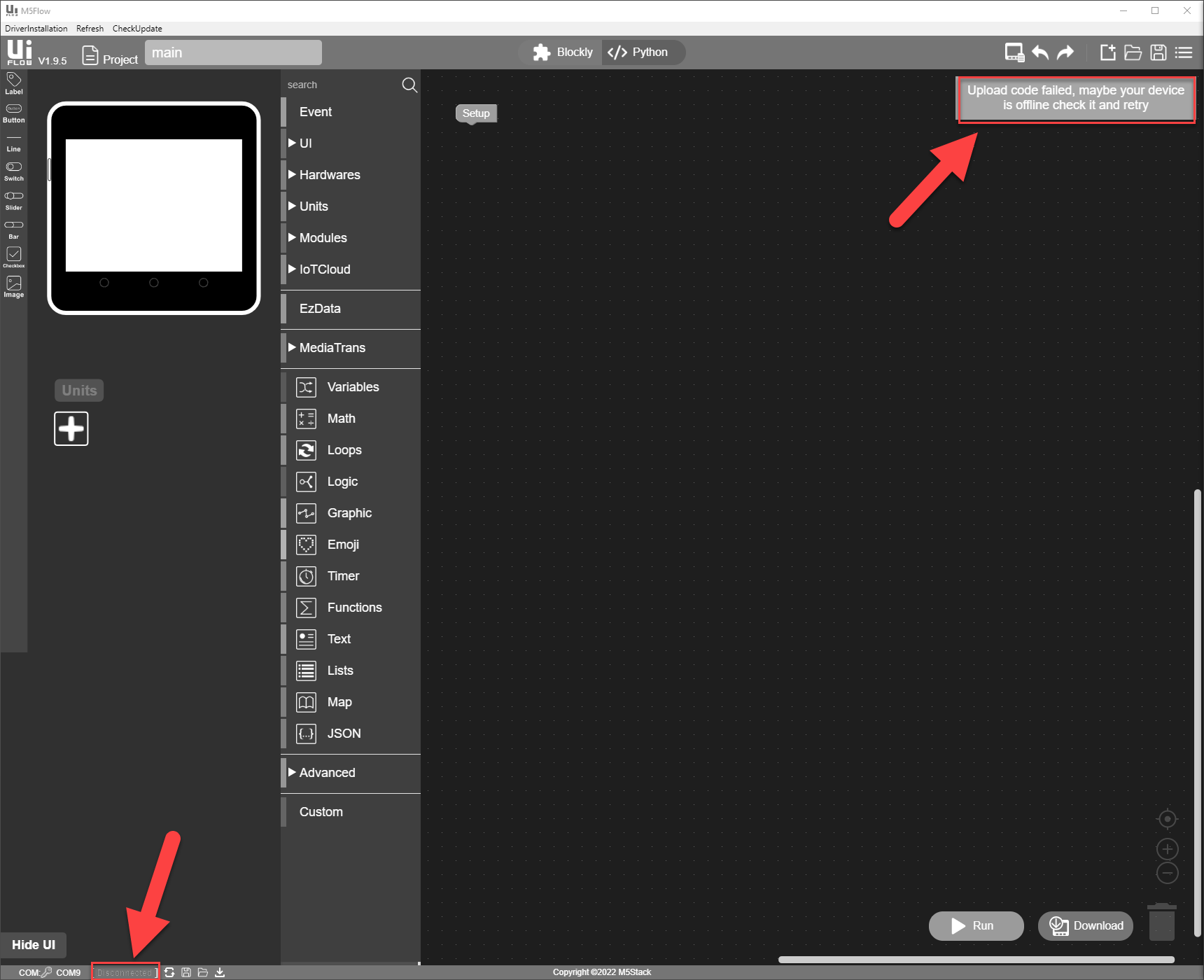
5.) When trying to upload code, I get the following error:
ERROR: Upload code failed, maybe your device is offline check it and retry.
Could someone help me understand what I might be doing wrong or what I should check next?
-
@Morle
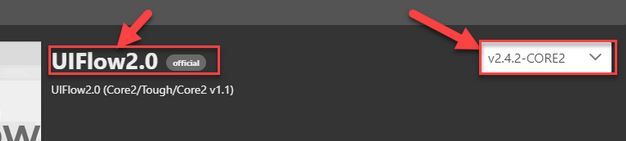
not sure but i see 2 diff versions here what is burned to what is running on your machine locallyis all fine with uiflow 2 online version?


Hello! It looks like you're interested in this conversation, but you don't have an account yet.
Getting fed up of having to scroll through the same posts each visit? When you register for an account, you'll always come back to exactly where you were before, and choose to be notified of new replies (either via email, or push notification). You'll also be able to save bookmarks and upvote posts to show your appreciation to other community members.
With your input, this post could be even better 💗
Register Login