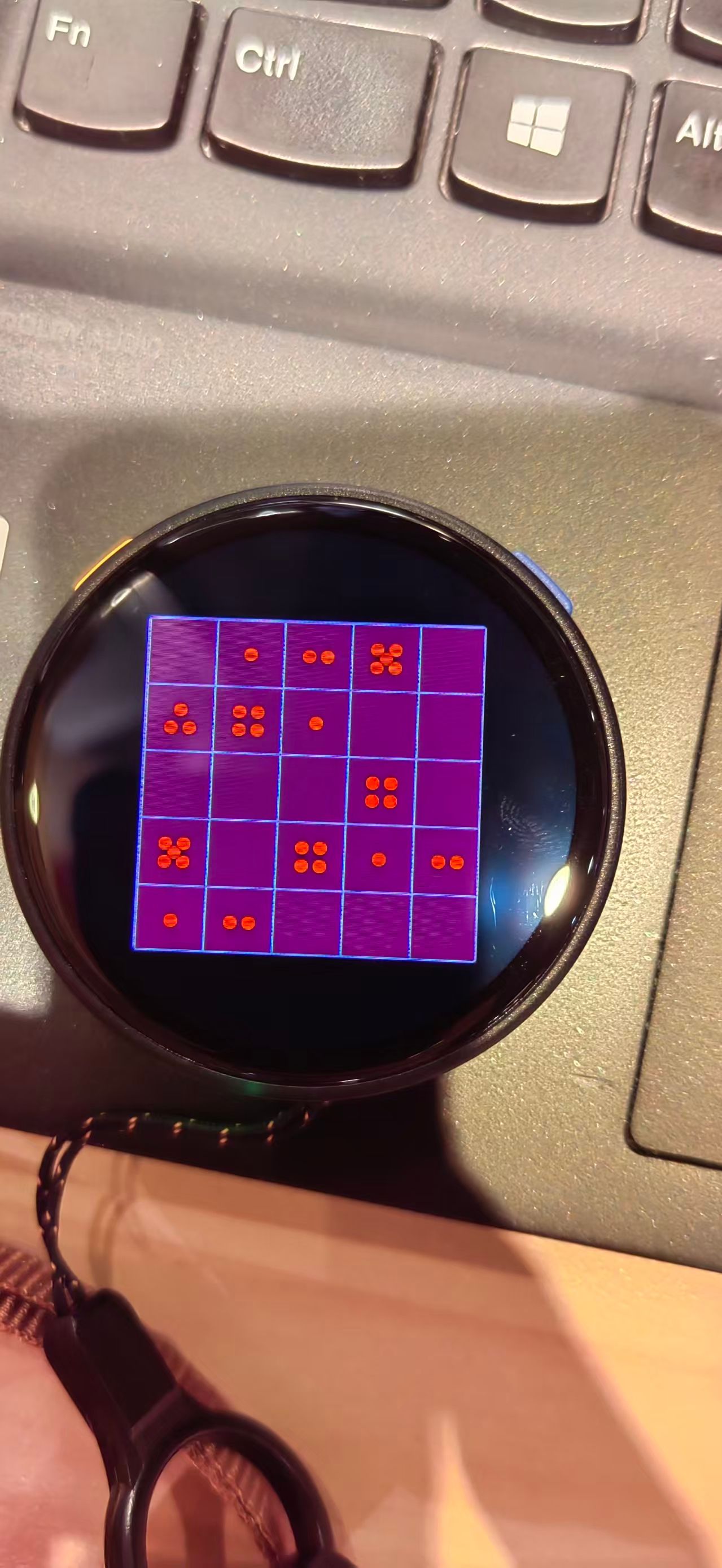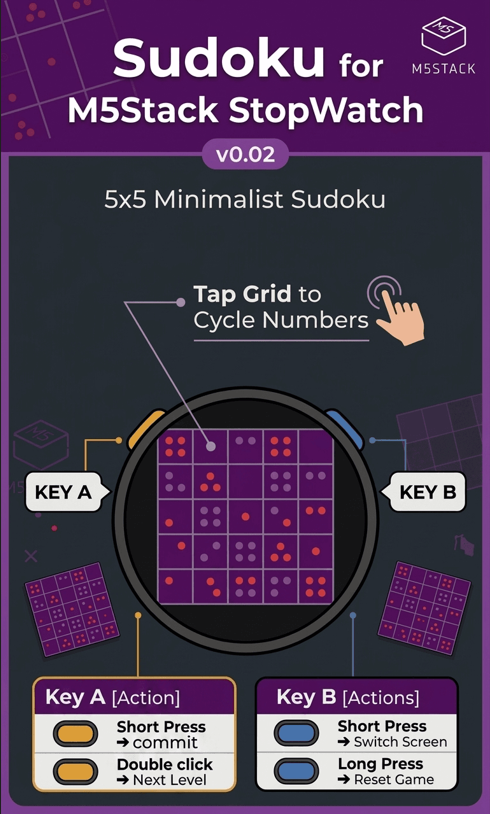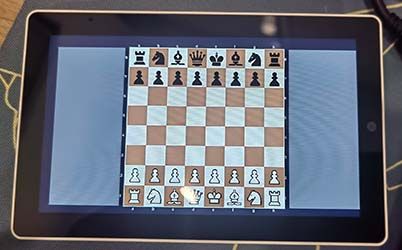
Touch & M5 Stick2 module is also support!
plug M5 Stick2 module into Port.A
And have fun with you Stick2 Module Control!
Posts made by shmusica
-
RE: Tetris For Tab5posted in PROJECTS
-
Tetris For Tab5posted in PROJECTS
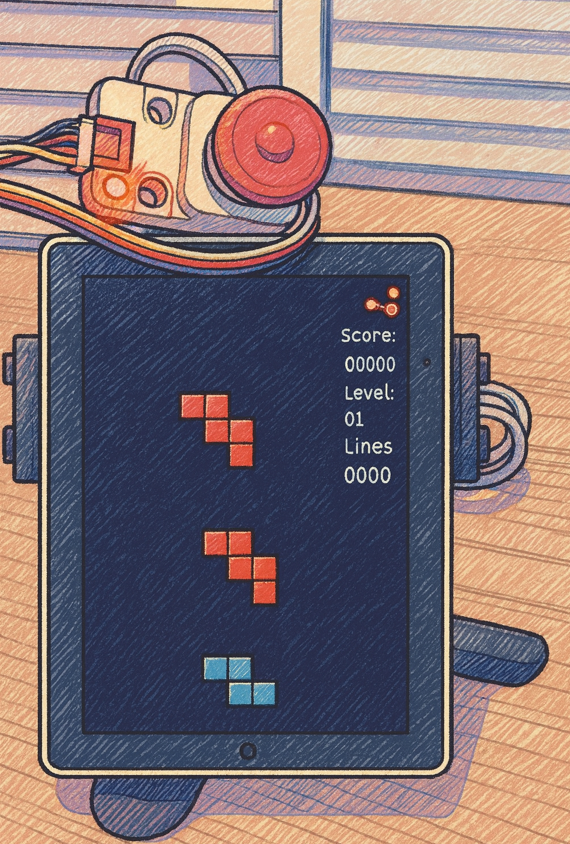
Tetris Game For TAB5

Quick Operation Table
What to Do How to Do It ⬅️ Move Left Swipe left on the screen ➡️ Move Right Swipe right on the screen 🔄 Rotate Piece Tap/Click on the screen ⬇️ Hard Drop Swipe down on the screen 🎵 Sound Effects Automatically plays when moving, clearing lines, or pieces land Interface Guide
Location What's There What It Does Top-Left Score Display Shows current score Top-Center Level Display Shows current level (increases as you clear lines) Top-Right Lines Display Shows total lines cleared Middle Game Board Main playing area (10x20 grid) Middle Current Piece The falling tetromino you control Middle Ghost Piece Shows where the piece will land (semi-transparent) Middle Next Piece Preview Shows the next piece coming Game Rules
✅ Objective: Fill complete horizontal lines to clear them and score points
✅ Scoring:
- Single line: 100 points × level
- Double lines: 300 points × level
- Triple lines: 500 points × level
- Tetris (4 lines): 800 points × level
✅ Level Up: Every 10 lines cleared increases the level (faster falling speed)
✅ Game Over: Game ends when new pieces can't spawn at the top
Important Tips
✅ Single Block Movement: Each left/right swipe moves the piece exactly 1 block
✅ Hard Drop: Swipe down to instantly drop the piece to the bottom
✅ Rotation: Tap anywhere on the screen to rotate the current piece
✅ Sound Effects:
- Move sound when rotating pieces
- Clear sound when lines are cleared
- Hit sound when pieces land
✅ Auto Fall: Pieces automatically fall down at increasing speed as level increases
✅ Ghost Piece: Semi-transparent preview shows where the piece will land
✅ Next Piece Preview: Always shows what piece is coming next
Controls Summary
Gesture Action Notes ← Swipe Left Move left 1 block Can swipe continuously while holding → Swipe Right Move right 1 block Can swipe continuously while holding ↓ Swipe Down Hard drop to bottom Instantly drops piece Tap/Click Rotate piece Rotates 90° clockwise Download & Burn the Firmware from M5Burner:
Device Type: Tab5
Search: Tetris For M5Stack Tab5
It's that simple! Enjoy your classic Tetris game! 🎮
-
WaveFlow Player For TAB5posted in PROJECTS

Quick Operation Table
What to Do How to Do It 🎵 Play Music Double-click a song in the file list ⏹️ Stop Playing Click the red "Stop" button at top-left ⏮️ Previous Song Click the "Prev" button on the left ⏭️ Next Song Click the "Next" button on the right 🔊 Adjust Volume Drag the slider at top-right 🔒 Turn Off Screen Click "Lock Screen" button at top-center 👆 Turn On Screen Touch anywhere on screen after it's off 📱 Auto Play Songs automatically play the next one when finished 🎧 Plug Headphone After plugging in 3.5mm headphone, sound automatically switches to headphone 🔊 Unplug Headphone After unplugging headphone, sound automatically switches to speaker Interface Guide
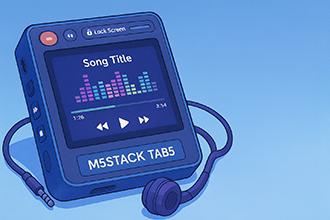
Location What's There What It Does Top-Left Red "Stop" button Stop playing (only shows when playing) Top-Center "Lock Screen" button Turn screen off/on Top-Right Volume display and slider Adjust volume level Middle Song name and progress bar Shows the song being played Middle Colorful spectrum Shows music rhythm (when playing) Bottom "Prev" button Switch to previous song Bottom File list Shows all songs Bottom "Next" button Switch to next song Important Tips
✅ SD Card Required: Insert SD card before use
✅ File Location: MP3 files must be placed in the mp3 folder on the TF card
✅ Auto Play: Songs automatically play the next one when finished
✅ Screen Off: Music keeps playing when screen is off, touch screen to turn it on
✅ Double-Click to Play: Double-click a song in the file list to play
✅ Headphone Plug/Unplug: Sound automatically switches to headphone when plugged in, and to speaker when unplugged
Download & Burn the Firmware from M5Burner:
Device Type: Tab5
Search: WaveFlow Player For TAB5It's that simple! Enjoy your music! 🎶
MP3 Conversion for WaveFlow Player
Problem: Some MP3 files may not play due to format issues.
Solution: Convert your files using FFmpeg.
Quick Steps:
1、Visit the official FFmpeg website and Install FFMpeg: https://ffmpeg.org/download.html
2、Download the Conversion Script from Github : https://github.com/musicaJack/M5Stack_Tab5_Converter/blob/main/mp3_convert.py
3、Place the Python script (mp3_convert.py) in the same directory with your MP3 files
4、Run the conversion script: python mp3_convert.py
5、Copy fixed mp3 files to TF Card in mp3 directoryPS:
Bonus: Picture Viewer Feature
Want to view Jpeg images?
The main menu includes a picture viewer app!To view your photos:
Prepare Images: Convert your JPEG files to 1280x720 resolution in BASELINE format (a conversion script is available on GitHub)
*** Copy to TF Card: Place the converted JPEG files on your TF card, files must be placed in the mp3 folder on the TF card! ***
Swipe to Browse: From the main menu, open the picture viewer app, then simply swipe up or down on the right side of the screen to navigate through your photos. -
RE: M5Stack Tab5 JPEG Viewerposted in PROJECTS
To browse through your collection of JPEG images:
JPEG Viewer for M5Stack Tab5To browse through your collection of JPEG images:
Step1: User Python Script Convert the JPEG Files to 1280x720 in BASELINE Format. (You Can Download the Python Script from Github)
Step2: Copy JPEG Files to TF CARD.
Step3: simply swipe up or down on the RIGHT SIDE of the screen.Swipe UP: View the next photo in the sequence.
Swipe Down: View the previous photo.JPEG convert Download:
https://github.com/musicaJack/M5Stack_Tab5_JPEG_Converter/blob/main/convert.py -
RE: M5Stack Tab5 JPEG Viewerposted in PROJECTS
This App Can be Download from M5 Burner:
Device Type: ALL
Seach Context: JPEG Viewer for M5Stack Tab5
Share Code: BWCRZv58BgBF5ntH -
M5Stack Tab5 JPEG Viewerposted in PROJECTS
JPEG Viewer for M5Stack Tab5:

This APP unlocks a simple and intuitive way to browse JPEG images directly from a TF (MicroSD) card on your Tab5's display.
Just Simply swipe up or down on the right side of the screen to navigate through your photo collection
Effortlessly Browse Photos with a Swipe
To browse through your collection of JPEG images:
Step1: Copy JPEG Files to TF CARD and Power On the Tab5.
Step2: simply swipe up or down on the RIGHT SIDE of the screen.Swipe Up: View the next photo in the sequence.
Swipe Down: View the previous photo. -
【Awesome Game Alert】2048 Puzzle for M5Stack Core2 - Now with Touch & Vibration!posted in PROJECTS
HI, Everybody!
I'm excited to share my latest project with you all:
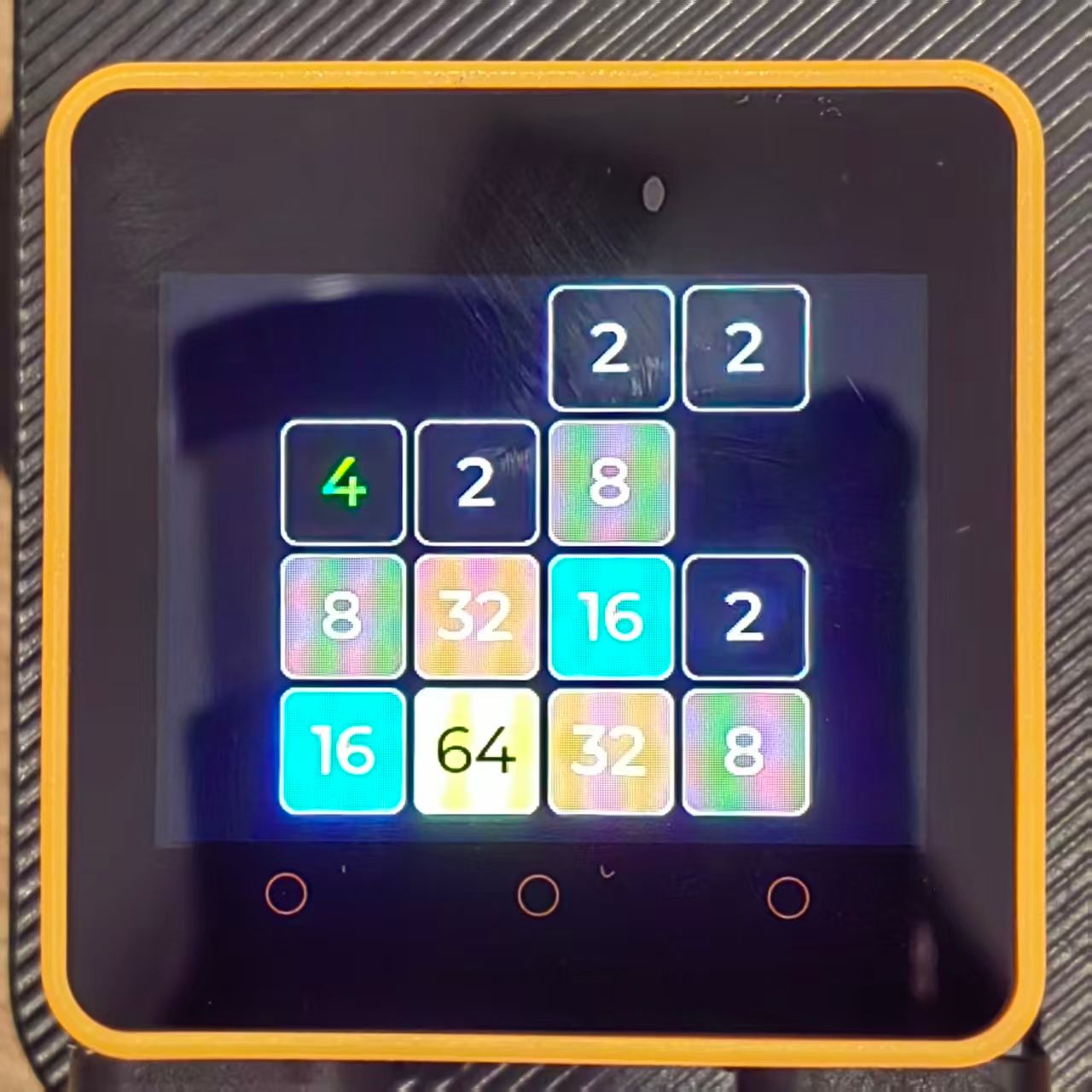
A specially designed 2048 puzzle game for the M5Stack Core2!
This implementation fully utilizes the Core2's touchscreen for intuitive swipe controls and provides satisfying vibration feedback whenever tiles merge.
It's a classic game reimagined for our favorite device.
I hope this can be a fun demo or a starting point for others learning to work with the Core2's interactive features.
All feedback and suggestions are welcome!
Firmware Downloader: M5Burner App
Core2 & TOUGH Search : Game 2048 For Core2 AWS
M5Burner Share Code: 5S9lfbJuU79MXKDp