πŸ€–Have you ever tried Chat.M5Stack.com before asking??😎

Subcategories

  • You can discuss ESPHome related issues here, share your yaml and projects.

    21 Topics
    34 Posts
    D
    Hey! I’m currently having an issue with my stick s3 which arrived literally a couple days ago. When plugged into power, it makes a sound similar to that of a clock ticking while the green LED flashes/blinks. Sometimes it’s a high pitched squeak. When plugged into my computer, it isn’t showing up on the m5burner or any other web based tools. It was working perfectly fine previously however. When unplugged the device does nothing. I’ve tried entering the flash firmware mode by pressing and holding the power button while plugging in but no luck. Also tried pressing the button twice in hopes that the blinking stops, but nope Was using Bruce firmware Thank you!
  • Squareline Studio and LVGL Discussion

    6 Topics
    19 Posts
    S
    @δΏΊγŒγ‚¬γƒ³γƒ€γƒ γ  said in LVGL performance problem: I applied LVGL on stickc-plus2,with TFT_eSPI's st7789v2 driver.But the refreshing rate is very low (while doing "load screen anim").I know stickc had good performance on drawing screen (by watching the video of M5stick T-Lite Thermal tutorial). And the LVGL also has a good performance through Dial-ESP32-S3 and Din-Meter demonstration video. So what is the reason of such low performance. Cound it be the TFT_eSPI library? I’ve seen similar issues on the StickC-Plus2. It could be due to TFT_eSPI settings, try increasing the SPI frequency or enabling DMA. Also, check your LVGL buffer config; full buffering helps with performance.
  • Discuss all things UIFlow here. Bugs, Improvements, Guides etc...

    1k Topics
    4k Posts
    C
    Im trying to run uiflow, but getting api error. im trying to login but credentials are failing. reset pw takes me to M5. what do i do?
  • M5Stack is programmable with the Arduino IDE. Here you can troubleshoot your issues and share Arduino code and libraries

    468 Topics
    2k Posts
    B
    This is the closest I got on a code which provides some sort of acceleration/deaceleration on jumping btw positions. I wonder if is there an official way to achieve this smoothly. Thanks #include "unit_rolleri2c.hpp" #include <M5Unified.h> /* Going to random position every 1 second - trying to move with ease in/out, but very artificial/jittery - not smooth. */ UnitRollerI2C RollerI2C; const int32_t UNITS_PER_DEGREE = 100; const int32_t POSITION_TOLERANCE = 150; // ~1.5Β° arrival threshold const uint32_t MOVE_DURATION_MS = 3000; // total time per move (ms) β€” tune 1000–5000 const uint32_t STEP_MS = 40; // trajectory update interval (ms) const uint32_t PAUSE_MS = 1000; // pause at target before next move int32_t basePosition = 0; // ── Ease-in / ease-out using a sine curve ────────────────────────────────── // t=0.0 β†’ 0.0 | t=0.5 β†’ 0.5 | t=1.0 β†’ 1.0 // Accelerates from rest, decelerates to rest β€” smooth S-curve. float easeInOut(float t) { return (1.0f - cosf(t * PI)) / 2.0f; } // Drives from startUnits β†’ targetUnits over MOVE_DURATION_MS with ease in/out. // Returns true when the motor confirms arrival within tolerance. bool easedMoveTo(int32_t startUnits, int32_t targetUnits) { uint32_t moveStart = millis(); while (true) { uint32_t elapsed = millis() - moveStart; float t = min((float)elapsed / (float)MOVE_DURATION_MS, 1.0f); // Compute eased intermediate setpoint float eased = easeInOut(t); int32_t intermediate = startUnits + (int32_t)((targetUnits - startUnits) * eased); RollerI2C.setPos(intermediate); // Once we've sent the final setpoint, check arrival if (t >= 1.0f) { int32_t actual = RollerI2C.getPosReadback(); if (abs(targetUnits - actual) <= POSITION_TOLERANCE) { return true; // βœ… arrived } // Give a small extra window for the PID to settle if (elapsed > MOVE_DURATION_MS + 1000) { return false; // ⏱️ timed out even after easing finished } } delay(STEP_MS); } } int32_t degreesToUnits(float deg) { return (int32_t)(deg * UNITS_PER_DEGREE); } float unitsToDegrees(int32_t u) { return u / (float)UNITS_PER_DEGREE; } void setup() { M5.begin(); Serial.begin(115200); delay(500); randomSeed(analogRead(0)); bool found = RollerI2C.begin(&Wire, 0x64, 2, 1, 400000); if (!found) { Serial.println("❌ Roller485 NOT found on I2C! Check wiring."); while (true) delay(1000); } Serial.println("βœ… Roller485 found!"); Serial.print("Vin (x0.01V): "); Serial.println(RollerI2C.getVin()); Serial.print("ErrorCode: "); Serial.println(RollerI2C.getErrorCode()); RollerI2C.setOutput(0); RollerI2C.setMode(ROLLER_MODE_POSITION); RollerI2C.setPosMaxCurrent(80000); RollerI2C.setOutput(1); delay(100); basePosition = RollerI2C.getPosReadback(); Serial.print("Base position (raw): "); Serial.println(basePosition); Serial.println("Ready. Starting eased random position loop...\n"); delay(500); } int32_t currentTarget = 0; // tracks last target so we ease FROM it void loop() { // Random angle offset from base: -180Β° to +180Β° float targetDegrees = random(-180, 181); int32_t targetUnits = basePosition + degreesToUnits(targetDegrees); int32_t fromUnits = RollerI2C.getPosReadback(); // start from actual current pos Serial.print("➑️ "); Serial.print(unitsToDegrees(fromUnits - basePosition), 1); Serial.print("Β° β†’ "); Serial.print(targetDegrees, 1); Serial.println("Β° (easing...)"); bool arrived = easedMoveTo(fromUnits, targetUnits); float actualDeg = unitsToDegrees(RollerI2C.getPosReadback() - basePosition); if (arrived) { Serial.print("βœ… Arrived at "); } else { Serial.print("⏱️ Stopped at "); } Serial.print(actualDeg, 1); Serial.println("Β°"); Serial.print(" ErrorCode: "); Serial.println(RollerI2C.getErrorCode()); Serial.println(); delay(PAUSE_MS); // pause 1 second at target }
  • Discuss all things Micropython here. Get help, Recommend Libraries, Report Bugs and Improvements

    218 Topics
    898 Posts
    J
    @pabou try using uiflow to generate the code, then peek copy from there.
  • For discussion and assistance with M5EZ.

    13 Topics
    62 Posts
    J
    using the mentioned changes hello_world example did compile and got uploaded to my core2. However , nothing is shown on screen, screen remains black.
  • Discuss all things related to ESP - IDF, Espressifs IoT Development Framework

    29 Topics
    101 Posts
    felmueF
    Hello @daniyyel ah, ok. So the correct documentation is here. Have a look at the code examples in Quick Start Guide to see how the M5IOE1 needs to be programmed to turn on power etc. The function is called SIM7028_EN() and first turns on power then resets the modem. Thanks Felix
  • UiFlow 2.0 related issues discussion.

    365 Topics
    2k Posts
    O
    My STAM PLS stopped working after updating from version 2.4.4 to version 2.4.5. I used M5Burner to revert the firmware back to 2.4.4. But the STAM LPC program didn't work. OSError 261
  • URL Confirmation for M5Burner Account Login

    5
    0 Votes
    5 Posts
    1k Views
    ?
    @ajb2k3 When you have a moment, I would really appreciate your thoughts or any updates you might have.
  • DMX Question

    3
    0 Votes
    3 Posts
    2k Views
    J
    @kuriko I'll check and let you know! Thanks for the response!
  • IoT Assistant to manage devices

    1
    0 Votes
    1 Posts
    1k Views
    No one has replied
  • Finding IMU 3D example code

    3
    0 Votes
    3 Posts
    2k Views
    H
    @fdlsjf Thanks for sharing. This was just what I needed!
  • M5Burner on Apple M2 Ventura 13.6 Is Unstable

    4
    1
    0 Votes
    4 Posts
    2k Views
    K
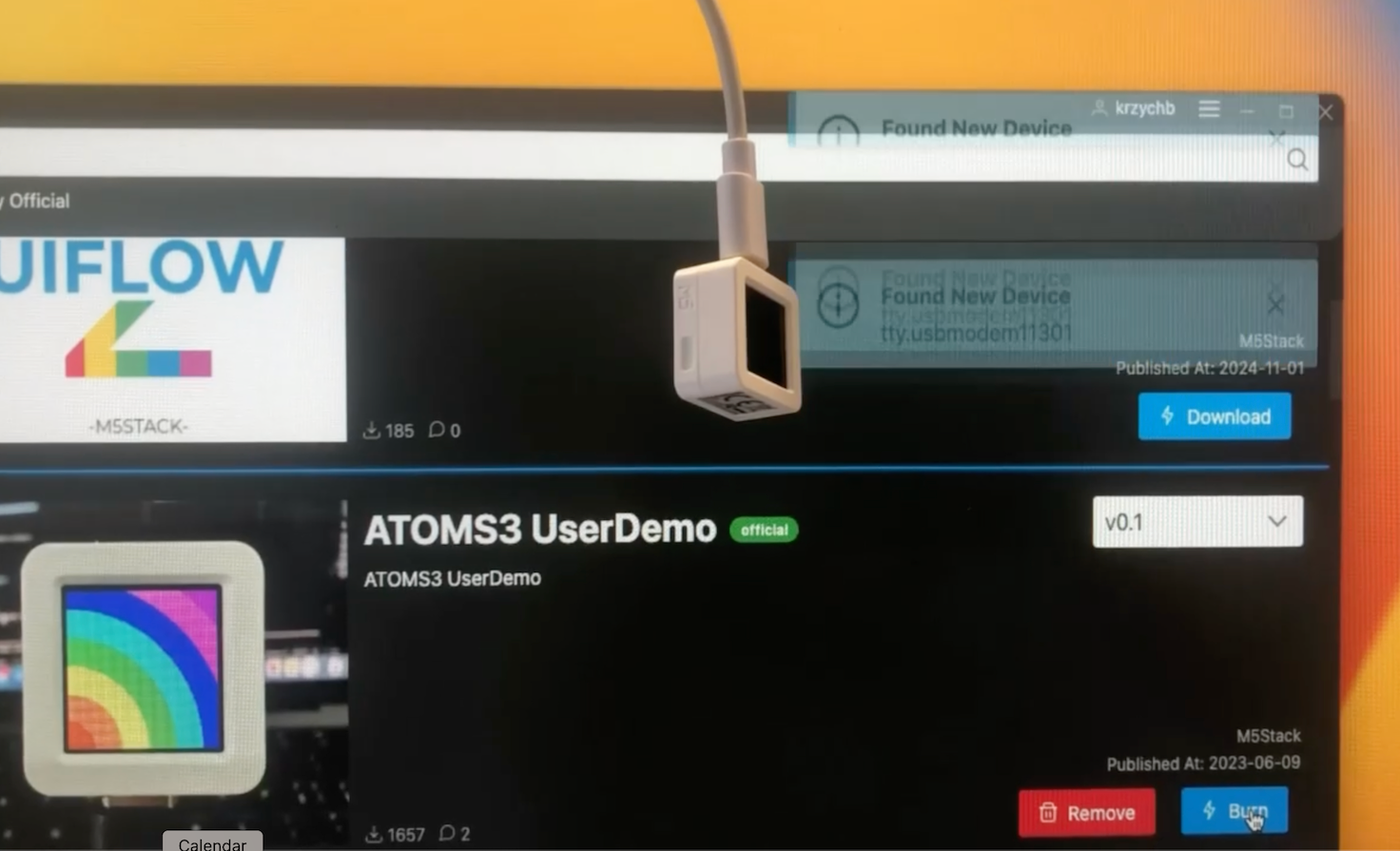
    @ajb2k3 and @kuriko, I resolved the issue with flashing by manually putting the devices into bootloader mode. In particular, for ATOMS3 the trick was to "press and hold the reset button (about 2 seconds) until the internal green LED lights up" as written in the manual :) Thank you for your replies and kind help!
  • Is it possible to hide "Labels" "Circle" by Layer

    2
    0 Votes
    2 Posts
    1k Views
    kurikoK
    Hi @Marco-Visser Currently, UiFlow does not have the function of switching screens yet. The only temporary solution is to hide/show widgets manually. Or, you can also think of a better logic to show/hide a large number of widgets at once and share it with everyone.
  • M5Burner white screen on windows 10

    3
    0 Votes
    3 Posts
    1k Views
    ajb2k3A
    @Zerys1337 what folder are you trying to run M5Burner from?
  • This topic is deleted!

    1
    0 Votes
    1 Posts
    23 Views
    No one has replied
  • problem with TFT_eSprite

    4
    0 Votes
    4 Posts
    3k Views
    J
    When x is larger than 230, the circle is pushed to a position where part of it exceeds the screen width (320 pixels wide), specifically beyond the x value of 280 (since your circle has a diameter of 100 pixels, calculated from _r = 50, and its center is at x - _r + 4). Sprites are typically clipped when drawn outside the screen area, meaning any part of the sprite that extends beyond the screen boundary will not be displayed. To prevent the sprite from being truncated, you can implement a check to ensure that the sprite's position remains within the screen's boundaries before calling pushSprite. Here’s an updated version of your code: // Ensure the sprite stays within the screen's bounds x = (x > 270) ? 270 : x; // Adjust x to stay within the screen width uint32_t _r = r; // 50 uint32_t _w = _r * 2; uint32_t _h = _r * 2; TFT_eSprite _sprite = new TFT_eSprite(&M5.Lcd); _sprite.createSprite(_w, _h); _sprite.drawCircle(_r, _r, _r, _color); _sprite.drawCircle(_r, _r, _r - 1, _color); _sprite.fillCircle(_r, _r, _r - 2, _colorCircle); // Push sprite only within the screen's bounds _sprite.pushSprite(x - _r + 4, y - _r + 4); _sprite.deleteSprite();

  • m5stack tough programming help

    10
    0 Votes
    10 Posts
    5k Views
    robskiR
    @aiconnection said in m5stack tough programming help: @robski can you please guide me resources as to how to work with uiflow 2.0 to setup blocks to read modbus data. I know the communication protocols for my sensor. Being newbie I have no concept of uiflow workability with respect to this unit Any help or video link would be great can you read any modbus data from mentioned sensor using any of available modbus test tools? Just to confirm that communication to sensor over modbus is fine.
  • Why is the Serial.print() not working in the M5NanoC6 unit?

    4
    0 Votes
    4 Posts
    3k Views
    PaulskptP
    @BoM_M5 I had the same problem today. In Arduino IDE v.2.3.3, BOARDS MANAGER, searched for esp32. Found "esp32" from Espressif Systems. It appeared that I had version "3.1.0 RC" installed. On Espressif's site on Github I saw that the latest stable version is: "3.0.5", so I downgraded to 3.0.5. Then I saw that the M5NanoC6 was available via: Tools -> Board -> esp32 -> M5NanoC6. After having selected this board, I saw also that: Tools -> CDC on Boot was "Enabled". I saw that there was here no more option "Disabled". From this moment all Serial.print and Serial.println command worked as expected.
  • NET ERROR

    2
    1
    0 Votes
    2 Posts
    1k Views
    ajb2k3A
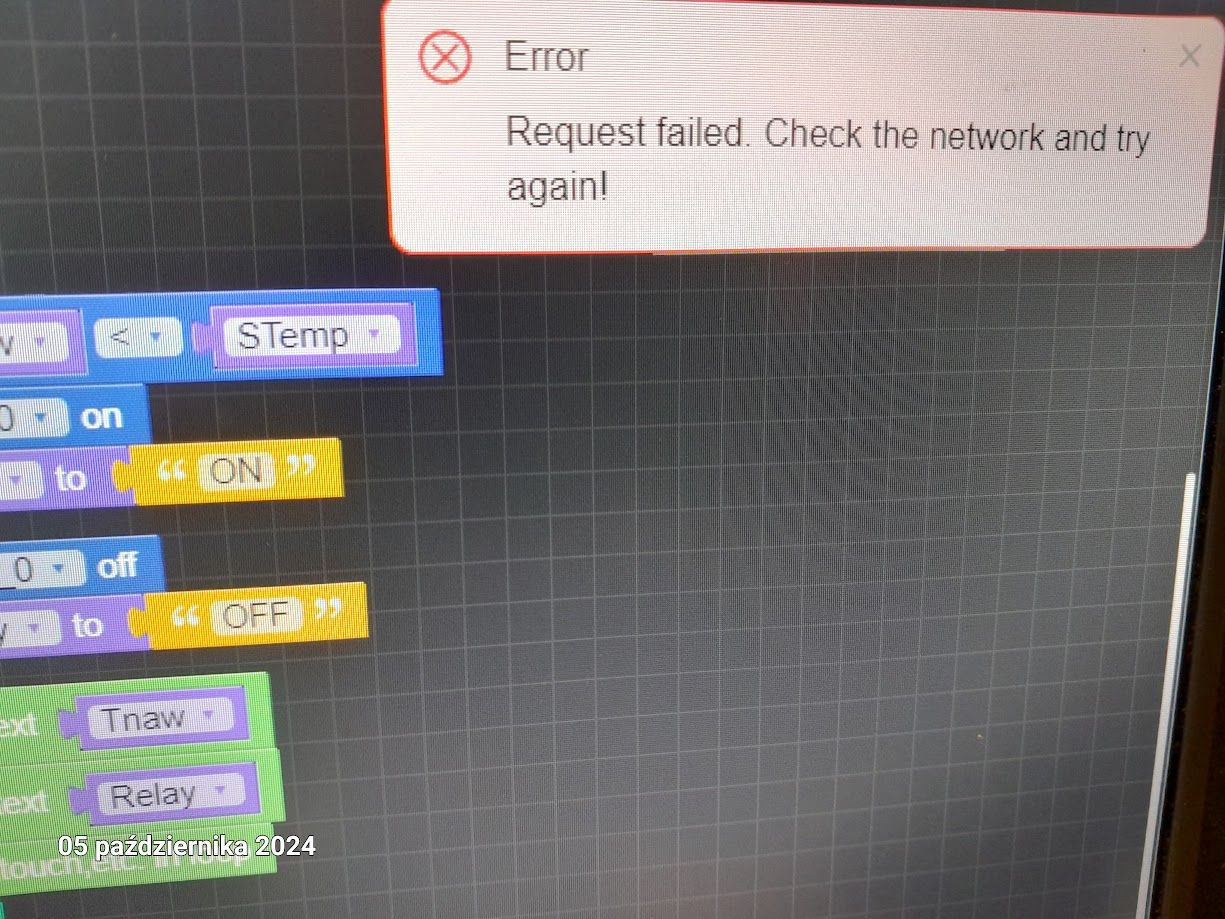
    @Kris You do what it says, check the network and try again or switch everything off, check the network, switch everything back on and then try again.
  • Displaying Images using PlatformIO or arduino

    1
    0 Votes
    1 Posts
    1k Views
    No one has replied
  • Core 2 v1.1 - Source For Demo Available ?

    2
    0 Votes
    2 Posts
    2k Views
    robskiR
    @TomKatt check M5Stack github
  • M1 mac support?

    4
    0 Votes
    4 Posts
    7k Views
    ajb2k3A
    @rapttor Check you cables as I have an M1 iMac and it works fine for me.
  • Can't get m5Dial to display an image loaded via UIFlow2

    2
    0 Votes
    2 Posts
    2k Views
    J
    @jeanfabre @felmue, thanks for your answer on that other post (https://community.m5stack.com/post/26512) it works ! thanks for pointing out that! it's really odd that at least we have no errors in the terminal that the file was not found... coudl save a lot of frustration, or maybe there is a debug mode somwhere in uiflow to get more details out of the current code execution
  • MQTT connection

    8
    2
    0 Votes
    8 Posts
    4k Views
    felmueF
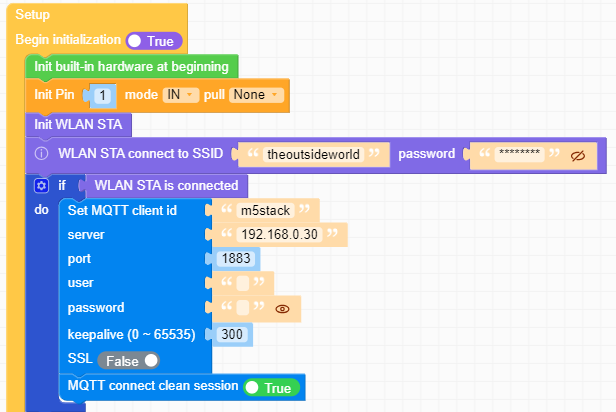
    Hello @travisstdenis thank you for reporting back. I am glad to hear you got it working. Thanks Felix
  • Circuitpython for M5Stack devices is here!!

    14
    1
    3 Votes
    14 Posts
    16k Views
    S
    Since this is one of the top search results for M5Stack CircuitPython, I thought I'd link my example code for the M5Stack Dial here. https://gitlab.com/slootsky/m5stack-dial-circuitpython It has example code for the display, touch, neopixel the ring button and the rotary encoder. I haven't found a circuitpython library for the NFC WS1850S reader yet.
  • STM32F030F4P6 Firmware source location

    3
    0 Votes
    3 Posts
    2k Views
    _
    @felmue Found it! Thanks!
  • TimerCam X uncompressed image stream

    1
    1 Votes
    1 Posts
    877 Views
    No one has replied