🤖Have you ever tried Chat.M5Stack.com before asking??😎
  • Compatibility - COM.LTE Module(SIM7600G) SKU: M031-A

    3
    0 Votes
    3 Posts
    2k Views
    G
    Thank you @felmue
  • Display Module 13.2 with PoE BASE (v12)

    2
    0 Votes
    2 Posts
    2k Views
    felmueF
    Hello @BTSPERTH the display module schematic shows GPIO26 - BUS_G26 - F_G26 connected to BANK1 which would mean there is a conflict with Ethernet CS. Thanks Felix
  • Connect CC1101 to M5Stick-C

    2
    1 Votes
    2 Posts
    6k Views
    B
    Hi all, This topic is quite old and still unanswered. Did anyone had success using cc1101 module with m5stickc I don't want to reinvent the wheel. Micro python or android project references will do. Thanks
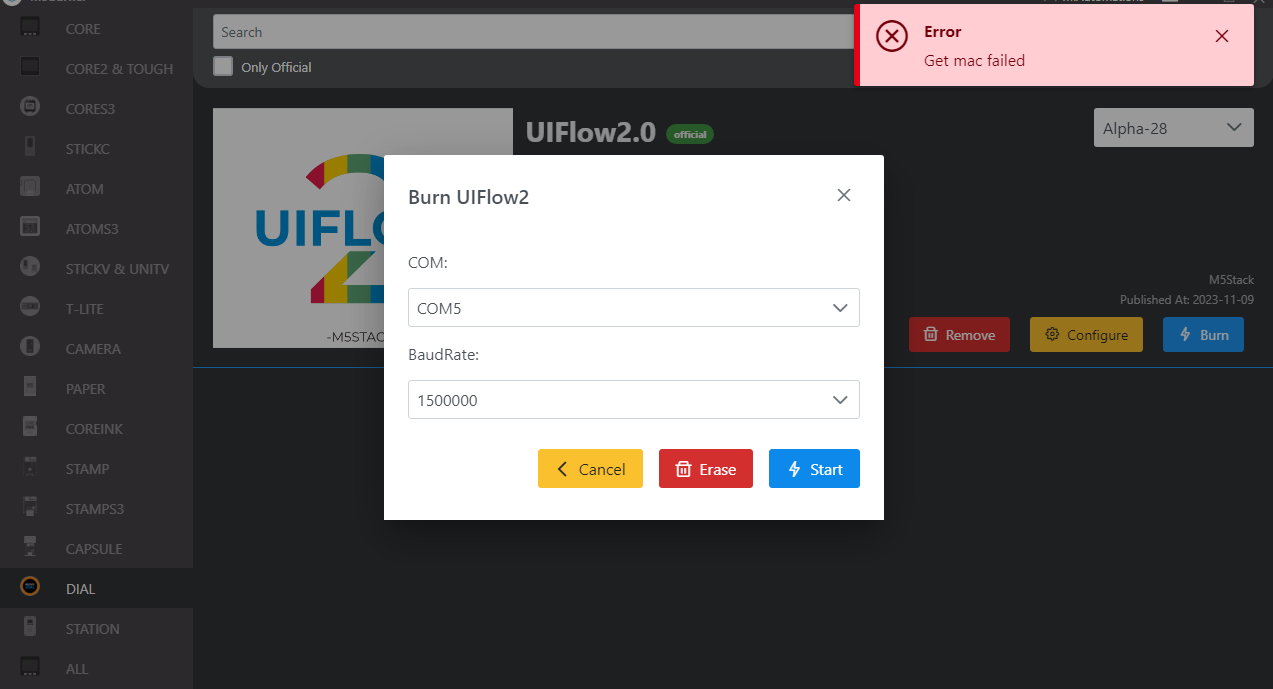
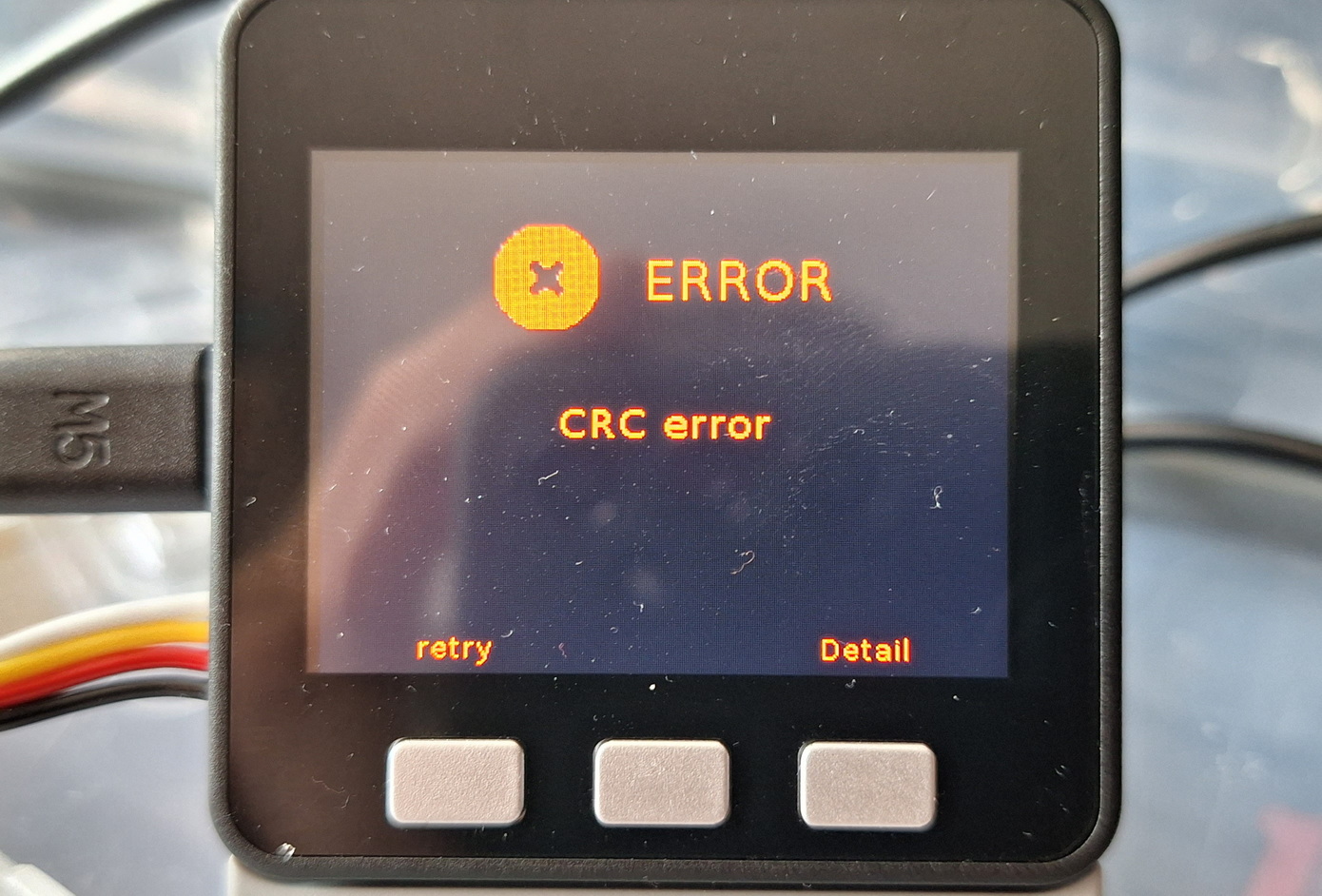
  • M5 Stack Dial Fail buning

    2
    1
    0 Votes
    2 Posts
    2k Views
    felmueF
    Hello @MiAutomations M5Dial contains an M5StampS3 which can be forced into download mode via button. See documentation here. To enter the download mode, press the G0 button on StampS3 at boot time. BTW: UIFlow2 firmware is not the M5 Stack Dial Demo which was pre-installed on M5Dial. You can find the M5Dial demo code here. Thanks Felix
  • M5Stack Dial Wi-fi Configuration

    4
    0 Votes
    4 Posts
    3k Views
    ajb2k3A
    Is the UIFlow display showing the device connected to the network?
  • Help needed with SERVO Module Board 12 Channels

    1
    0 Votes
    1 Posts
    2k Views
    No one has replied
  • Cardputer usage warnings and a question about its LCD connection

    3
    0 Votes
    3 Posts
    3k Views
    K
    Thanks for the answer! Could you point to some part number of other identifier to help find the connector? What do you "damaged beyond repair"? did you rip the ribbon? I'm not 100% sure. The thing that visibly broke at first was just the connector (it didn't hold the cable anymore), so I had to solder the contacts on. I made sure the right spots on the PCB beep through to the appropriate pads on the ribbon (and there are no shorts among them) but the screen shows no picture (while powering on the backlight) - as if the ribbon were only sending through the power, but not the data. There's no visible rip in the ribbon, but there's one reasonably strong bend right next to the connector. It was there originally (the ribbon is packed by sticking it to the back with some kapton tape) but I'm afraid the un-bending it backwards could have damaged one of the thinner lines inside it. In any case I have no idea how to fi it. I didn't bother checking the connectivity all the way to the screen, as the ribbon disappears into the body there and seems pretty fiddly to disassemble, at least at first glance.
  • Are the modules certified by CE and FCC?

    1
    1 Votes
    1 Posts
    1k Views
    No one has replied
  • Using the RF UNIT 433MHz Receiver (SYN513R with a standard Remote

    1
    0 Votes
    1 Posts
    2k Views
    No one has replied
  • SIM7600 and ThingSpeak, unable to publish

    3
    0 Votes
    3 Posts
    3k Views
    H
    @felmue And indeed, I needed to add a delay before sending the payload. I had hoped that it would be necessary (in order to speed up he process of waking up, sending and going to sleep). Regards
  • Arduino board manager choice for M5Camera001 ?

    1
    0 Votes
    1 Posts
    2k Views
    No one has replied
  • Minimum temperature range for Cameras - UnitV K210 AI Camera and OV2640

    2
    0 Votes
    2 Posts
    2k Views
    H
    I don't know the exact specs and I have not tested. In my oppinion the battery will be the weak point. The small LiPo bag-batteries often go very weak below 0°C. You may remove it and power from external. The datasheet of the image sensor OV2640 says operating is allowed between -30°C and +70°C, stable image between 0°C and 50°C. for the other components you can find similar information in their data sheets. Make sure there is not too much humidity in air as it can condense on the electronic parts. It may help to pack the camera into thermal insulation so that it heats itself a bit over the environment. In extreme environment a small extra heating could help.
  • Core S3 and DMX Module power problem [SOLVED]

    3
    0 Votes
    3 Posts
    3k Views
    T
    Thanks @felmue, that was the problem. Solved
  • UHF RFID on a M5Core2

    8
    0 Votes
    8 Posts
    11k Views
    K
    @clabbersja Sure, this is running on a M5Paper, though I have had something very similar running on a M5Core, This is the small segment of an app written for long rang tag reading at a workshop to track keys and other equipment. I have kept in the tag reading portion. I hope this helps. Some of it is not needed for the reading, just too lazy to remove from the snippet. from m5stack import * from m5ui import * from uiflow import * import wifiCfg import time import unit import _thread import os import random import urequests from m5stack import touch setScreenColor(15) buzzer_1 = unit.get(unit.BUZZER, unit.PORTB) uhf_rfid_0 = unit.get(unit.UHF_RFID, unit.PORTC) version = 0.89 EPC = None epc_bool = None temp = None tagList = [] TouchCordx = None TouchCordy = None rsense = 2 readerKey = None businessKey = None uhf_rfid_0.set_region(uhf_rfid_0.REGIN_US) uhf_rfid_0.automatic_freq_hopping(0xFF) uhf_rfid_0.set_channel_freq(924.25) epc_bool = 0 uhf_rfid_0.set_select_mode(0x01) print("Beapnow Reader : " + str(version)) print("---") def genKey(length): letters = "0123456789abcdefghijklmnopqrstuvwxyzABCDEFGHIJKLMNOPQRSTUVWXYZ" result_str = ''.join(random.choice(letters) for i in range(length)) return result_str def SetTouchCordenate(): global TouchCordx, TouchCordy print("Setting Touch") TouchCordx, TouchCordy, s, status = touch.read() print(TouchCordx) print(TouchCordy) def uhf_rfid_cb(epc_no, dBm): global EPC, epc_bool, temp EPC = epc_no _ = dBm # label5.setText(str(EPC)) print("2") print("---") pass # while not epc_bool: # epc_bool = uhf_rfid_0.multiple_polling_read(uhf_rfid_cb, 100) # while not (uhf_rfid_0.select_tag_param(EPC)): # pass ssid = None pc = None keyboard = None sett = True sim = True bz = False readerBool = True touchBool = False bzfreq = 500 la = [] ba = [] alphabet = [ "0", "1", "2", "3", "4", "5", "6", "7", "8", "9", "a", "b", "c", "d", "e", "f", "g", "h", "i", "j", "k", "l", "m", "n", "o", "p", "q", "r", "s", "t", "u", "v", "w", "x", "y", "z", ] tu = False ltime = 0 dsc = 0 rr0 = None rr1 = None rr2 = None rr3 = None rr4 = None rr5 = None rr6 = None rr7 = None label0 = M5TextBox(502, 25, "Beapnow Tag Reader", lcd.FONT_DejaVu40, 0, rotate=90) labelVersion = M5TextBox( 460, 30, "version: " + str(version), lcd.FONT_Default, 0, rotate=90 ) circle0 = M5Circle(492, 904, 30, 12, 0) rectangle0 = M5Rect(290, 875, 60, 60, 12, 0) rectangle1 = M5Rect(380, 875, 60, 60, 12, 0) label1 = M5TextBox(334, 815, "Wifi", lcd.FONT_DejaVu24, 0, rotate=90) label2 = M5TextBox(420, 663, "Read Sensitivity", lcd.FONT_DejaVu24, 0, rotate=90) rs2 = M5TextBox(420, 882, "High", lcd.FONT_DejaVu18, 0, rotate=90) label3 = M5TextBox(501, 770, "Wifi off", lcd.FONT_DejaVu24, 0, rotate=90) label9 = M5TextBox(501, 620, "Waiting...", lcd.FONT_DejaVu24, 0, rotate=90) label7 = M5TextBox(512, 892, "", lcd.FONT_DejaVu40, 0, rotate=90) rectangle7 = M5Rect(170, 307, 200, 410, 14, 0) label12 = M5TextBox(334, 322, "Tag #", lcd.FONT_DejaVu40, 0, rotate=90) label13 = M5TextBox(331, 446, "1234567890", lcd.FONT_DejaVu40, 0, rotate=90) label14 = M5TextBox(276, 431, "READ Success", lcd.FONT_DejaVu24, 0, rotate=90) label15 = M5TextBox(227, 461, "Date Time", lcd.FONT_DejaVu24, 0, rotate=90) def touchScreen(): global touchBool, ssid, pc, tu print("Waiting for touch") btty = 6 while True: if touch.status(): print(str(touch.read())) wait_ms(5) def reader(): global bz, dsc, ltime, readerBool,rsense temp = 0 count = 0 clean = 0 print("Waiting for RFID") print("sensitivity = "+str(rsense)) while True: ltime += 1 # while not temp: temp = uhf_rfid_0.single_polling() if temp: label13.setText(str(temp[0])) print("-----") print(temp[0]) print(temp[1]) print("-----") count += 1 lcd.show() wait_ms(2) def file_exists(filename): try: return (os.stat(filename)[0] & 0x4000) == 0 except OSError: return False def readSense(): global rsense print("changing rsense") if rsense == 2: rsense = 5 rs2.setText("Low") else: rsense = 2 rs2.setText("High") lcd.partial_show(370, 875, 60, 60) def checkConfig(): # some check here return True def startTime(): print("START TIME") # time = 0 # loop = True # while loop: # if time > 29: # logTags() # loop = False # time += 1 # print(time) # wait(.95) label13.setText("") ssid = "" pc = "" lcd.show() _thread.start_new_thread(touchScreen, ()) if checkConfig(): _thread.start_new_thread(reader, ()) print("Ready for tags") else: print("waiting for register")
  • 8Encoder Issue "tick"

    2
    0 Votes
    2 Posts
    2k Views
    felmueF
    Hello @Amani you can find the internal FW for the 8Encoder unit here. Thanks Felix
  • (PM2.5 + SHT30) and ENV III

    4
    2
    0 Votes
    4 Posts
    4k Views
    ajb2k3A
    There are 2 versions of the PM2.5, the old uses the SHT20 which I have just shouted at M5Stack to fix while the new has the SHT30 which conflicts with the ENV3 and ENV4
  • Lora868 Module and Cardkb

    4
    0 Votes
    4 Posts
    3k Views
    I
    @felmue thank you for the suggestion for Ext Port for Core2.
  • Cheap camera module for M5Stack Atom Matrix

    5
    0 Votes
    5 Posts
    8k Views
    G
    @ajb2k3 said in Cheap camera module for M5Stack Atom Matrix: https://shop.m5stack.com/collections/m5-unit/products/unit-cam-wi-fi-camera-diy-kit-ov2640 I was not able to have my Atom Matrix interact with the OV2640 Unit Cam... [image: 1695488224647-d87c87d2-d834-4fbc-b634-88cddafb3b29-image-resized.png] @Exie were you able to connect your Atom Matrix with the Unit Cam and have the Matrix retrieve the Unit Cam output?
  • Cant Get RS485 TTL Convertor Working

    5
    0 Votes
    5 Posts
    4k Views
    J
    @gavin67890 I was able to get it working with 32/33 just by assigning with uart1 = machine.UART(1, tx=32, rx=33) which it looks like is the same the guy did in the video
  • Power Supply of COM.LTE (SIM7600)

    16
    0 Votes
    16 Posts
    14k Views
    felmueF
    Hello @DanK actually there is an AMS1117 version with exactly the output voltage you measured: 2.85 V - coincidence? From the AMS1117 datasheet - feature list: Three Terminal Adjustable or Fixed Voltages* 1.5V, 1.8V, 2.5V, 2.85V, 3.3V and 5.0V But yes, the input voltage is probably on the low side. Thanks Felix