🤖Have you ever tried Chat.M5Stack.com before asking??😎
  • I wrote a cool Battery Status Monitor for uiFlow.

    PROJECTS
    9
    1 Votes
    9 Posts
    10k Views
    C
    Hi Meldrak, I gave it a try with a Core M5 basic but I did not get the inside of the battery turn green, orange or red. It stayed black. The issue is that the m5f file does not contain all of the blockly commands, rect1, rect2... up to rect 6 are missing and must be added. The python program contains the corresponding commands but they don't seem to be sufficient.. The increase brightness button works, the decrease brightness seems to effective, screens becomes completely black. Overall my feeling is that the code is too complex to just report the battery charge level. And as you say, the indication lacks of precision : 100 % 75% 50% and 25%
  • 3D printed M5Stack protective carry case

    PROJECTS
    4
    1 Votes
    4 Posts
    5k Views
    Z
    Thanks for sharing that, will definitely print it!
  • M5Stack MultiApp Firmware

    PROJECTS
    18
    5 Votes
    18 Posts
    57k Views
    M
    The app seems to be broken. I have tried compiling it as per the instructions on a windows 11 and on a mac. I get the same errors on both. Can anyone please help me? Here is the error code from VS. Compiling .pio/build/esp-wrover-kit/src/Apps/WiFiWps/WpsConnect.cpp.o src/Apps/WiFiWps/WpsConnect.cpp: In function 'void wpsInitConfig(bool)': src/Apps/WiFiWps/WpsConnect.cpp:30:12: error: 'struct esp_wps_config_t' has no member named 'crypto_funcs' config.crypto_funcs = &g_wifi_default_wps_crypto_funcs; ^~~~~~~~~~~~ src/Apps/WiFiWps/WpsConnect.cpp:30:28: error: 'g_wifi_default_wps_crypto_funcs' was not declared in this scope config.crypto_funcs = &g_wifi_default_wps_crypto_funcs; ^~~~~~~~~~~~~~~~~~~~~~~~~~~~~~~ src/Apps/WiFiWps/WpsConnect.cpp:30:28: note: suggested alternative: 'g_wifi_default_wpa_crypto_funcs' config.crypto_funcs = &g_wifi_default_wps_crypto_funcs; ^~~~~~~~~~~~~~~~~~~~~~~~~~~~~~~ g_wifi_default_wpa_crypto_funcs src/Apps/WiFiWps/WpsConnect.cpp: In function 'void Wps_run(bool)': src/Apps/WiFiWps/WpsConnect.cpp:90:27: error: no matching function for call to 'onEvent(void (&)(arduino_event_id_t, system_event_info_t))' WiFi.onEvent(WiFiEvent); ^ In file included from /Users/redacted/.platformio/packages/framework-arduinoespressif32/libraries/WiFi/src/WiFiSTA.h:28, from /Users/redacted/.platformio/packages/framework-arduinoespressif32/libraries/WiFi/src/WiFi.h:32, from lib/M5Stack/M5StackMod.h:30, from src/Apps/WiFiWps/WpsConnect.h:2, from src/Apps/WiFiWps/WpsConnect.cpp:8: /Users/redacted/.platformio/packages/framework-arduinoespressif32/libraries/WiFi/src/WiFiGeneric.h:159:21: note: candidate: 'wifi_event_id_t WiFiGenericClass::onEvent(WiFiEventCb, arduino_event_id_t)' <near match> wifi_event_id_t onEvent(WiFiEventCb cbEvent, arduino_event_id_t event = ARDUINO_EVENT_MAX); ^~~~~~~ /Users/redacted/.platformio/packages/framework-arduinoespressif32/libraries/WiFi/src/WiFiGeneric.h:159:21: note: conversion of argument 1 would be ill-formed: src/Apps/WiFiWps/WpsConnect.cpp:90:18: error: invalid conversion from 'void ()(arduino_event_id_t, system_event_info_t)' to 'WiFiEventCb' {aka 'void ()(arduino_event_id_t)'} [-fpermissive] WiFi.onEvent(WiFiEvent); ^~~~~~~~~ In file included from /Users/readacted/.platformio/packages/framework-arduinoespressif32/libraries/WiFi/src/WiFiSTA.h:28, from /Users/jredacted/.platformio/packages/framework-arduinoespressif32/libraries/WiFi/src/WiFi.h:32, from lib/M5Stack/M5StackMod.h:30, from src/Apps/WiFiWps/WpsConnect.h:2, from src/Apps/WiFiWps/WpsConnect.cpp:8: /Users/redacted/.platformio/packages/framework-arduinoespressif32/libraries/WiFi/src/WiFiGeneric.h:161:21: note: candidate: 'wifi_event_id_t WiFiGenericClass::onEvent(WiFiEventSysCb, arduino_event_id_t)' <near match> wifi_event_id_t onEvent(WiFiEventSysCb cbEvent, arduino_event_id_t event = ARDUINO_EVENT_MAX); ^~~~~~~ /Users/redacted/.platformio/packages/framework-arduinoespressif32/libraries/WiFi/src/WiFiGeneric.h:161:21: note: conversion of argument 1 would be ill-formed: src/Apps/WiFiWps/WpsConnect.cpp:90:18: error: invalid conversion from 'void ()(arduino_event_id_t, system_event_info_t)' to 'WiFiEventSysCb' {aka 'void ()(arduino_event_t*)'} [-fpermissive] WiFi.onEvent(WiFiEvent); ^~~~~~~~~ *** [.pio/build/esp-wrover-kit/src/Apps/WiFiWps/WpsConnect.cpp.o] Error 1 ========================== [FAILED] Took 6.34 seconds ========================== The terminal process "platformio 'run'" terminated with exit code: 1. Terminal will be reused by tasks, press any key to close it.

  • Resetting RTC flag

    PROJECTS
    6
    0 Votes
    6 Posts
    6k Views
    felmueF
    Hello @Steve1 well, there is an alternative method you could use. The power button also acts as regular button. So you could check if the power button was still pressed when M5Paper starts running. Something like this at the beginning of setup(): M5.begin(true, false, true, true, true); M5.RTC.begin(); M5.update(); bool pwrBtnStart = M5.BtnP.isPressed(); // true if started by PWR button Note: for it to work you'll need to press and hold the power button long enough for the code to reach the statement checking the button. In my tests I need to hold the power button for about 5 seconds. Note: a disadvantage of the power button check method is that when M5Paper is powered on by USB it thinks it was an RTC start. Thanks Felix
  • Using SD cards with M5StampS3 and Micropython

    PROJECTS
    1
    1 Votes
    1 Posts
    2k Views
    No one has replied
  • 1 Votes
    1 Posts
    4k Views
    No one has replied
  • 0 Votes
    2 Posts
    3k Views
    felmueF
    Hello @Fortes83 which ESP-IDF version did you use? I found for the compilation to succeed ESP-IDF version v4.4.6 (as stated here) needs to be used. Note: I do not (yet) have a M5Cardputer so I cannot verify whether the resulting firmware image runs ok or not. Thanks Felix
  • 0 Votes
    1 Posts
    4k Views
    No one has replied
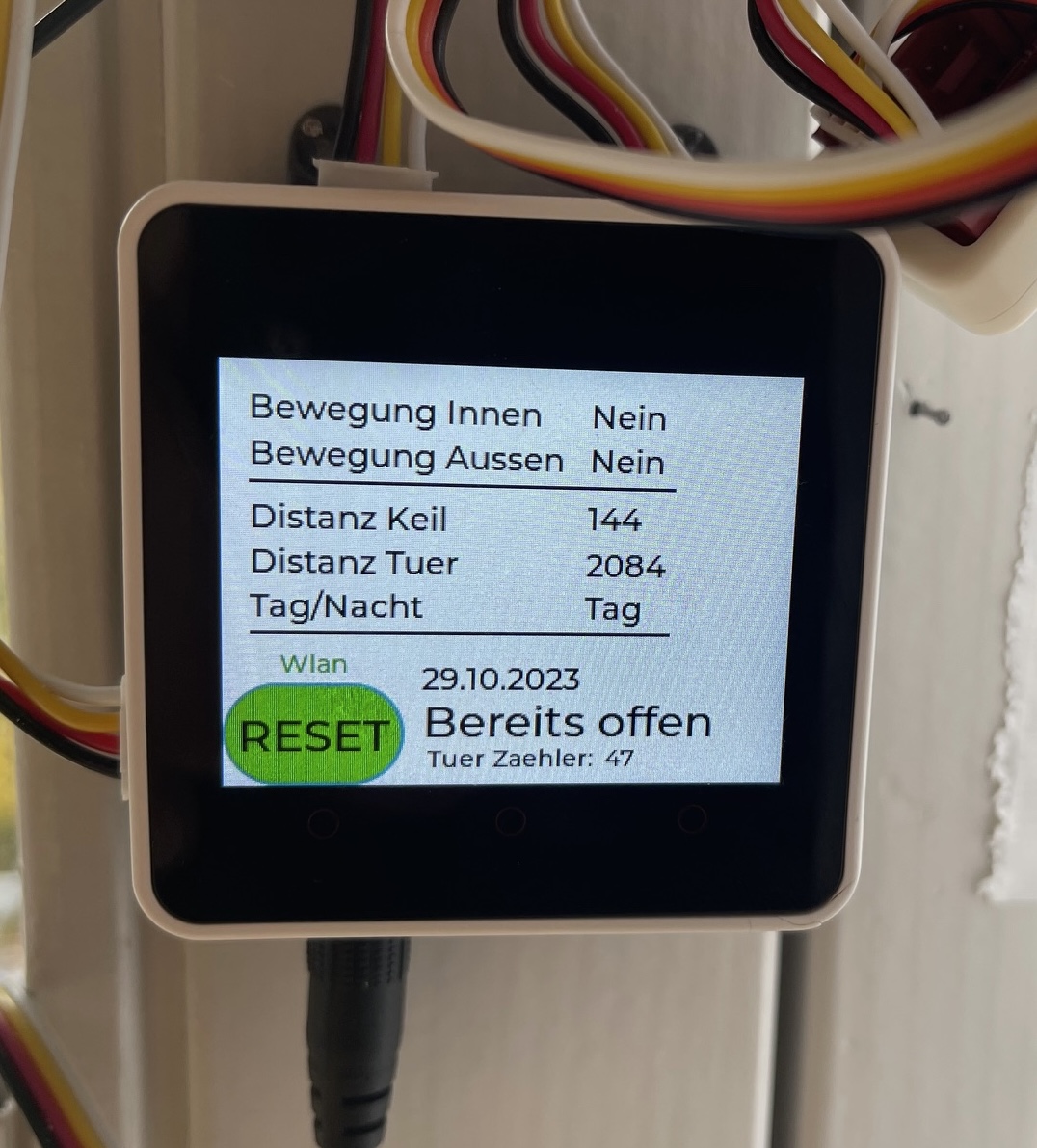
  • Cat Door 2.0

    PROJECTS
    1
    2
    0 Votes
    1 Posts
    2k Views
    No one has replied
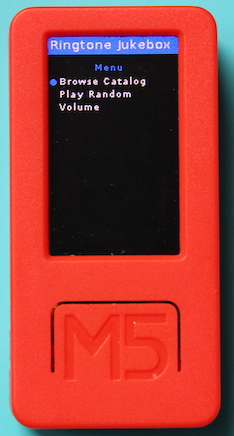
  • M5StickC-Plus Ringtone Jukebox

    PROJECTS
    2
    4
    1 Votes
    2 Posts
    7k Views
    D
    Does it allow free ringtones?
  • 1 Votes
    1 Posts
    4k Views
    No one has replied
  • Basic guide to using the #M5Stack ENV IV in UIFLow

    PROJECTS
    1
    0 Votes
    1 Posts
    2k Views
    No one has replied
  • Basic Guide to to #M5Stack ENV IV with UIFlow 2

    PROJECTS
    1
    1 Votes
    1 Posts
    2k Views
    No one has replied
  • M5Stack Atom Lite plant watering (Home Assistant / ESPHome)

    PROJECTS
    2
    4 Votes
    2 Posts
    8k Views
    T
    Thank you for this guidance. I have successfully setup this system, almost exactly, to water a single outdoor plant pot whilst I'm on vacation. I popped the electronics in an adapted waterproof project box. The only disadvantage is that the pot is quite deep so the moisture sensor doesn't go deep enough. The pump works great. However, I've learnt a lot from the experience.
  • 2 Votes
    2 Posts
    3k Views
    I
    Thank you. I appreciate your hard work.
  • KinoWheels M5Stack porting WIP...

    PROJECTS
    5
    1
    0 Votes
    5 Posts
    14k Views
    StarLogS
    Has anyone gotten this setup to work. Having issues with the Mac address setup, need help. Thanks
  • Connecting M5stack to PCB with header and GPIO capacity.

    PROJECTS
    11
    0 Votes
    11 Posts
    13k Views
    M
    @haavardmk I dont know the answer to your question., I am experimenting to see which GPIO I can use. I made a small program on my coresS3, to use gpios 10 and 5 with the rotate/angle unit, and it "works" but hangs oddly for a logn time every several measurements. No idea if that is because GPIO10 is meant to be a "BUS ADC" with some special quality, or some other odd software thing. But it is likely something abuot my device, as I am using wires soldered inside to the 5v pin, GND and the two bus gpio pins on the inside of my DIN base, and gpio10 has its own weird little offset pin on the DIN base pcb
  • 1 Votes
    1 Posts
    2k Views
    No one has replied
  • 1 Votes
    1 Posts
    2k Views
    No one has replied
  • Getting started with the #M5Stack Earth Unit in UIFlow

    PROJECTS
    1
    1 Votes
    1 Posts
    2k Views
    No one has replied