Hello!
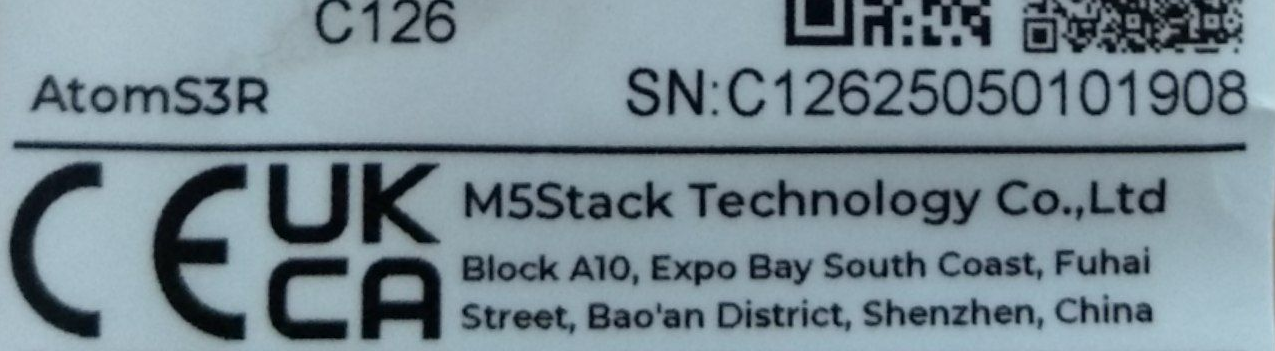
Description: I am experiencing an issue with my M5Stack AtomS3R. The device works perfectly with the factory demo firmware, but the screen remains completely black when flashing the UIFlow2 firmware.
Symptoms:
Factory Demo: Works correctly. The screen displays content as expected.
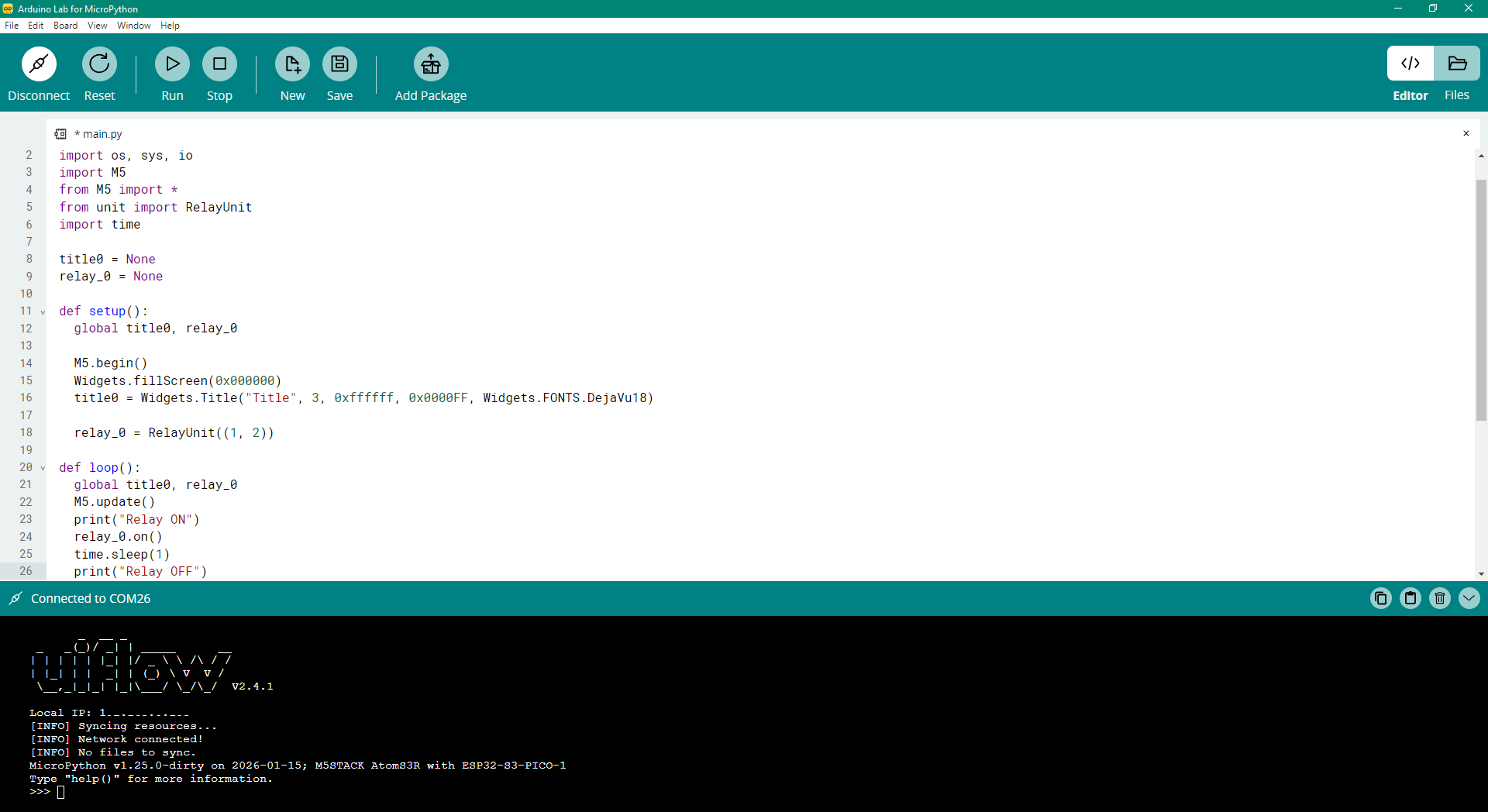
UIFlow2 Firmware: The flashing process via M5Burner completes without errors. However, the display shows nothing. The LCD backlight is clearly visible (the screen is glowing), but the pixels remain black. Explicit initialization commands in code do not resolve the issue.
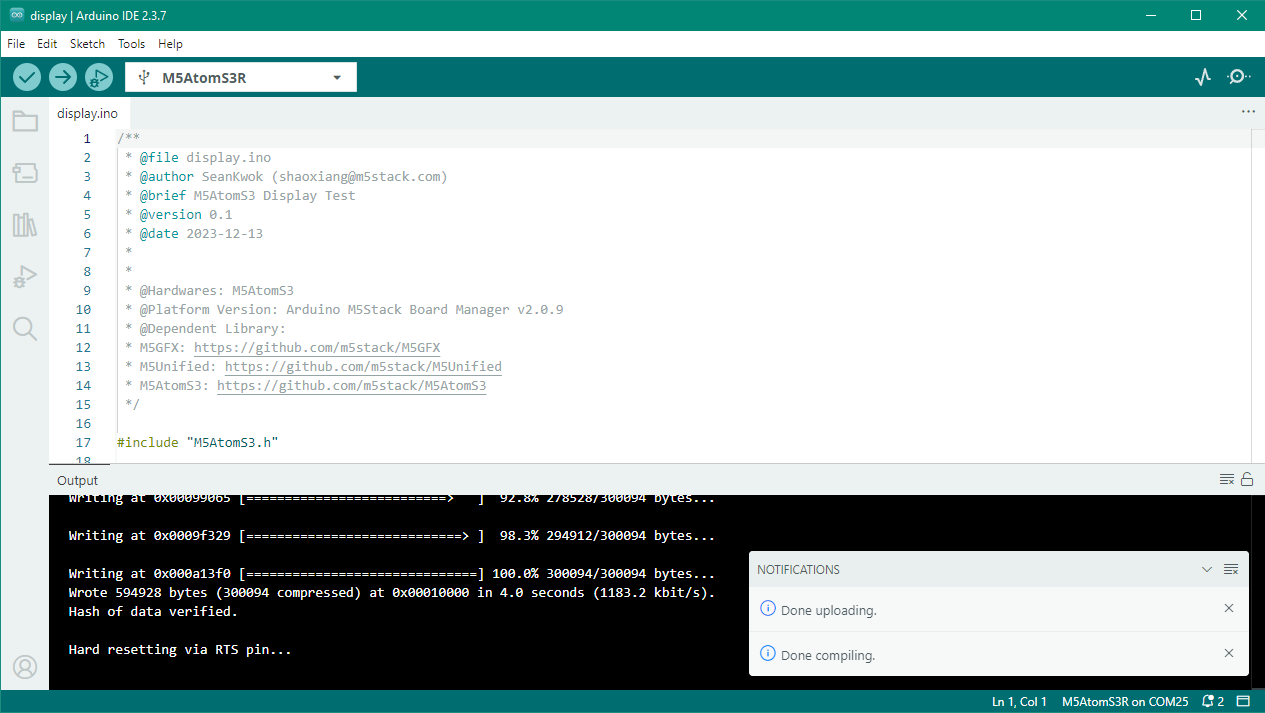
AtomS3 Firmware: I tried flashing the standard AtomS3 firmware as a workaround, but the screen remains black as well.
Troubleshooting Steps Taken:
- Ensured the device enters download mode correctly (Green LED) before flashing.
- Flashed the latest UIFlow2 firmware for AtomS3R via M5Burner.
- Re-flashing with "Erase Flash".
- Attempted to initialize the display manually using Python code (lcd.clear(), lcd.print(), etc.), but the screen stays black.
- Re-flashed the Factory Demo to confirm hardware integrity - the screen works immediately.
Environment:
Device: M5Stack AtomS3R
Firmware: UIFlow2 (Latest version available in M5Burner v2.4.1 and v2.4.0, v2.3.1)
Tools: M5Burner (Desktop), WebBurner.
Connection: USB or Cloud.
I didn't see new suggestions in the similar topic , so I decided to start a new one.