🤖Have you ever tried Chat.M5Stack.com before asking??😎
  • Init Pin lost random on random pin after importing after a day

    1
    0 Votes
    1 Posts
    553 Views
    No one has replied
  • OSError: [Errno 116] ETIMEDOUT

    5
    0 Votes
    5 Posts
    3k Views
    R
    @felmue Felix, thanks for your response. This indeed works. Trying to read/write some other registers (digital in) no luck yet, but at least there is some progress. Thanks again.
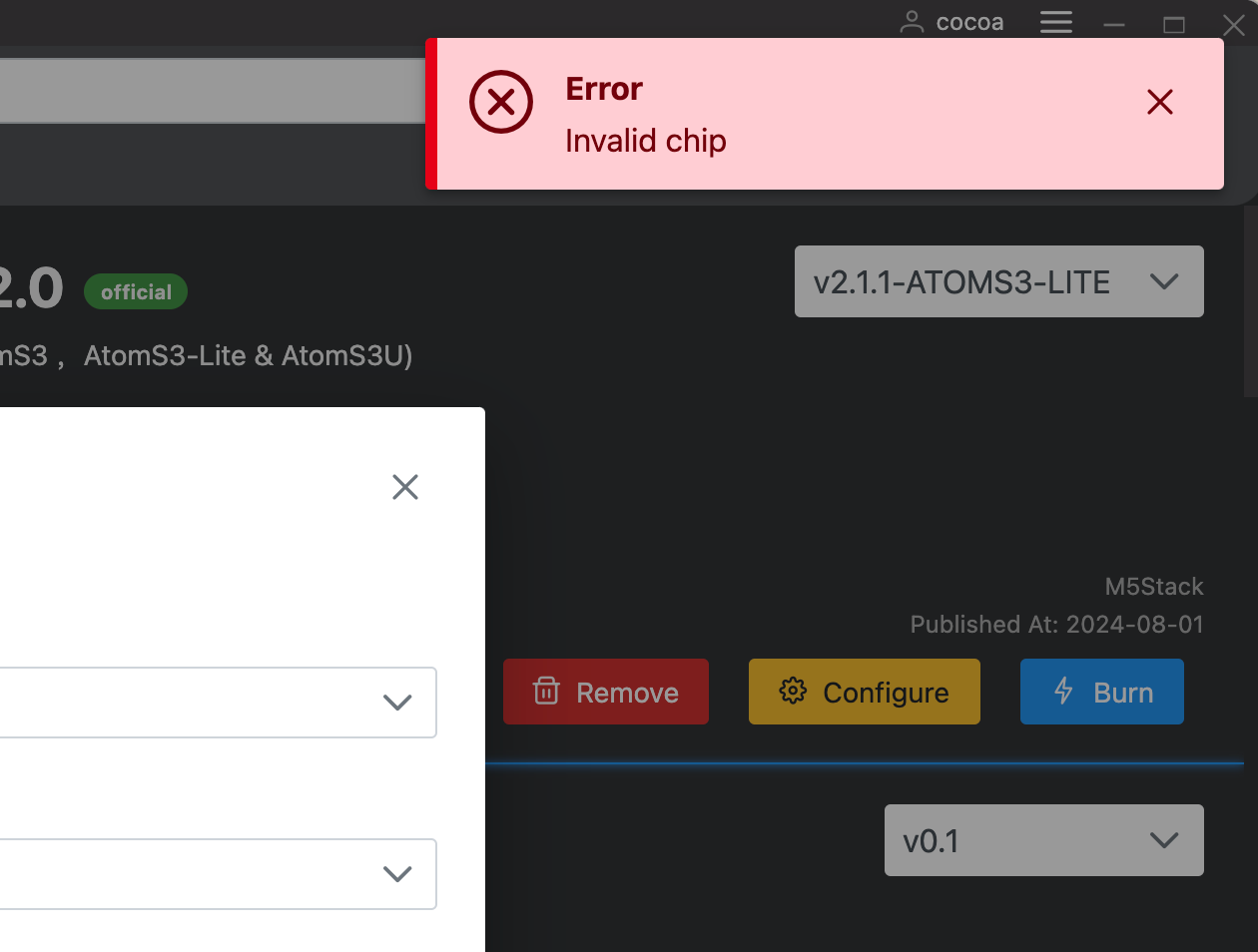
  • [Error] M5Burner erro on macOS Sonoma : Invalid Chip

    2
    1
    0 Votes
    2 Posts
    1k Views
    felmueF
    Hello @cocoa I am seeing the same Invalid chip error for the M5AtomS3Lite UIFlow2 firmware using M5Burner on Linux. Unfortunately I don't know how to fix that. If you're up to it you could build UIFlow2 firmware yourself - it's what I did. See here. Thanks Felix
  • Making Buttons and other things in UI Flow 2 for a Core S3

    4
    0 Votes
    4 Posts
    2k Views
    R
    @Robertof https://uiflow2.m5stack.com/?pkey=cbe08188f2274ae5bac2b0616fe6004f
  • Converting .m5f2 to .bin (UIFlow 2.0 to .bin)

    4
    0 Votes
    4 Posts
    2k Views
    ajb2k3A
    @winnergold No, Micropython and C are 2 grammatically different programming languages
  • This topic is deleted!

    1
    0 Votes
    1 Posts
    19 Views
    No one has replied
  • This topic is deleted!

    1
    0 Votes
    1 Posts
    40 Views
    No one has replied
  • This topic is deleted!

    1
    0 Votes
    1 Posts
    34 Views
    No one has replied
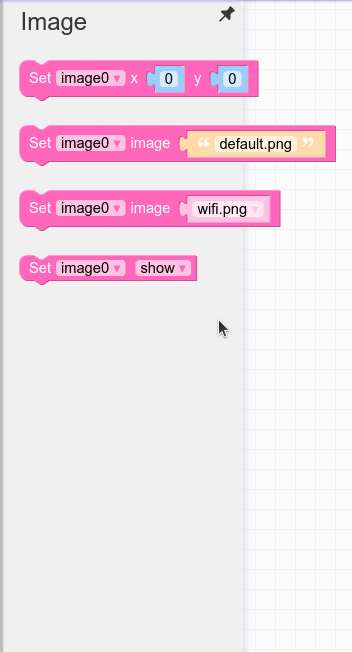
  • How to run an action when touch on an image?

    3
    1
    0 Votes
    3 Posts
    2k Views
    ajb2k3A
    @mattarnold700 Looks like you need to define a touch zone around the image. [image: 1720860647920-screenshot-2024-07-13-at-09.50.20-resized.png]
  • VA meter

    1
    1 Votes
    1 Posts
    622 Views
    No one has replied
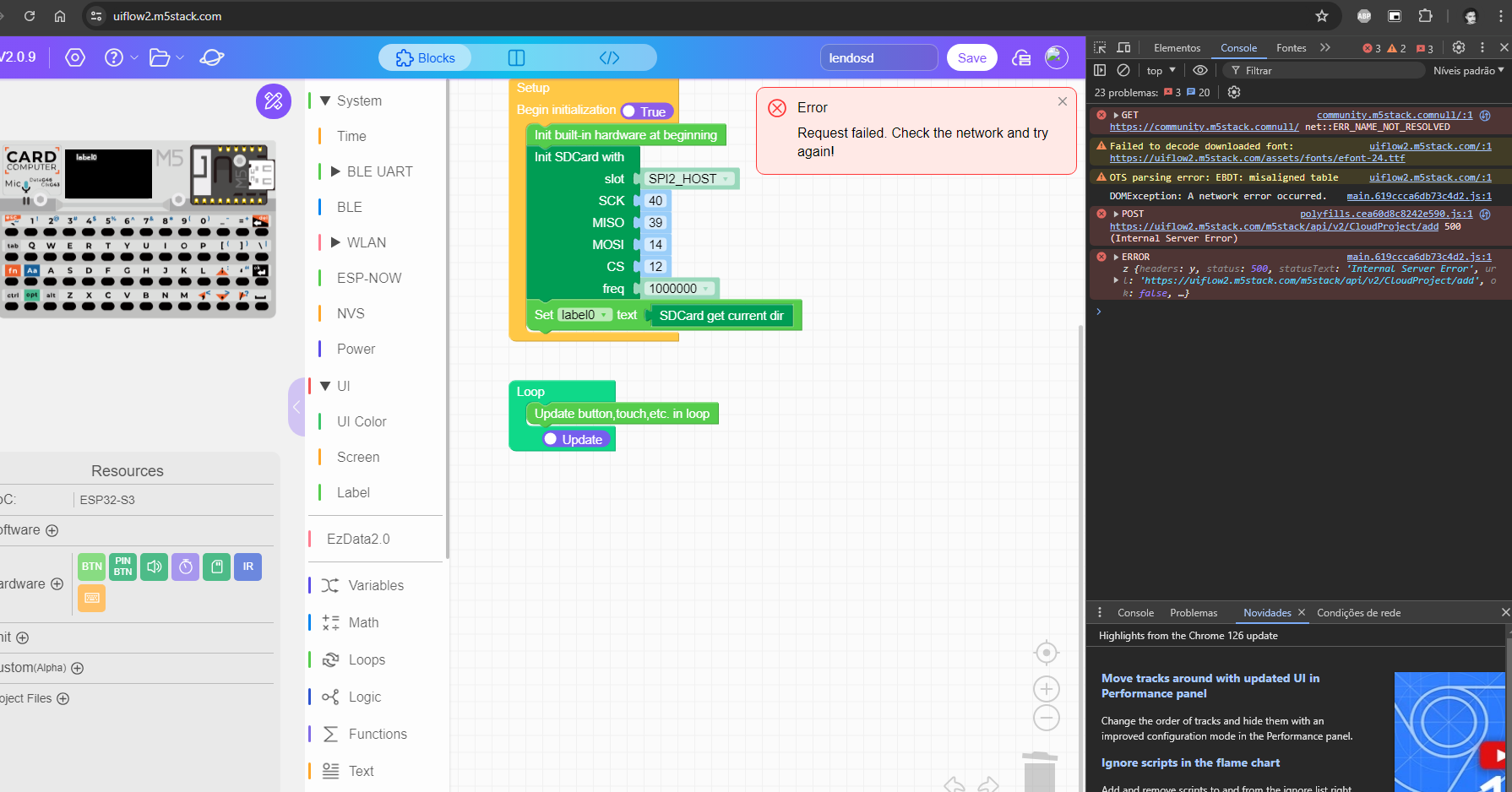
  • Unable save/create project (500 internal error)

    1
    1
    0 Votes
    1 Posts
    584 Views
    No one has replied
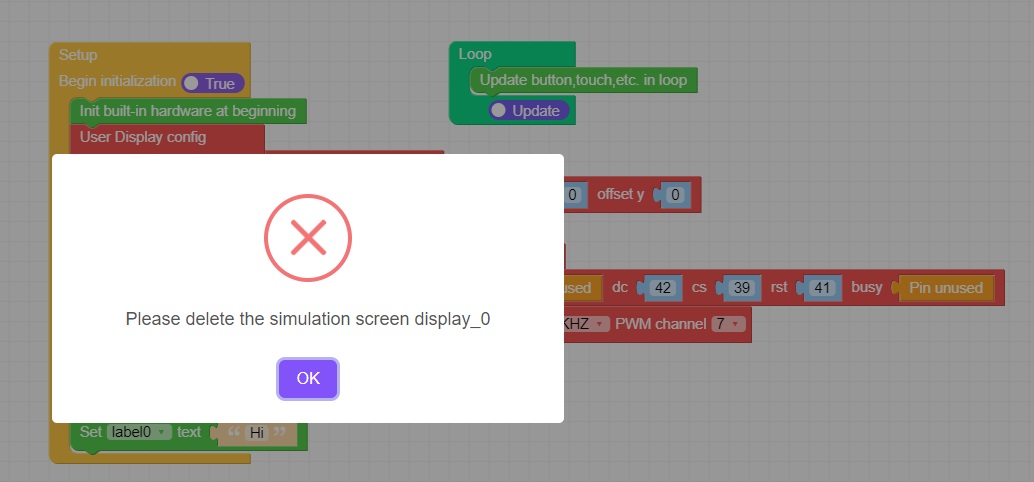
  • UserDisplay no longer works in version 2.0.9

    1
    1
    0 Votes
    1 Posts
    645 Views
    No one has replied
  • ENV IV Unit not working with firmware V2.0.8

    4
    0 Votes
    4 Posts
    2k Views
    felmueF
    Hi guys please try v2.0.9 which has the issue resolved. Thanks Felix
  • Problem reading images from sd in cardpuer

    1
    0 Votes
    1 Posts
    866 Views
    No one has replied
  • CAN initialization issue

    1
    0 Votes
    1 Posts
    644 Views
    No one has replied
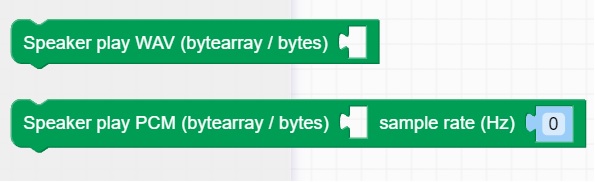
  • How to use the WAV and PCM blocks?

    5
    1
    0 Votes
    5 Posts
    3k Views
    W
    Hi I although try to play a soundfile .wav in UIFlow 2 but could not get it running because i dont know how to use the function. In UIFlow1 it was clear with the play sd card .wav block. but how to do in UIFlow 2 ? with this Bytearray puzzle tile ?

  • I need help working with the ATOMIS ABC database module (SKU:A130).

    1
    0 Votes
    1 Posts
    808 Views
    No one has replied
  • Events during System-Time-Sleep

    3
    0 Votes
    3 Posts
    2k Views
    M
    @felmue Hi @felmue, perfect, that is exactly what I needed, thank you. Many thanks, Matthew
  • Core3 and Uiflow2.0

    10
    0 Votes
    10 Posts
    5k Views
    H
    @Handcannon So today I tried 3 different cables plus the one that it came with. And different laptop. Tried running on Chrome, Microsoft and Wave. Opened new M5burner account and Uiflow2.0 account. Different times of the day. Set my device to private Also tried it with AtomS3 and same results.
  • Erase UIFlow 2 from M5Dial

    2
    0 Votes
    2 Posts
    1k Views
    robskiR
    @Fernando-Cardoso said in Erase UIFlow 2 from M5Dial: Hi, i need help. I want to erase the installed UIFlow 2 from mi M5 Dial. When i open the M5 Burner and try to configure or to Burn, select the COM5 Port and can´t connect to M5Dial. After try to connect it appears the error message: A fatal error occurred: Failed to connect to Espressif device: No serial data received. For troubleshooting steps visit: https://docs.espressif.com/projects/esptool/en/latest/troubleshooting.html I press and hold the Button before connect M5 Dial to USB Port, try to burn from M5 Burner and the result is the same. it does not automatically connect to the COM5 port. So, how can i erase the installed UIFlow2 from my M5 Dial? Thank you. turn M5Dial off, disconnect usb, press and hold boot button at the back while connecting usb, release boot button, now you should see different com port detected an it should be accessible to erase/burn