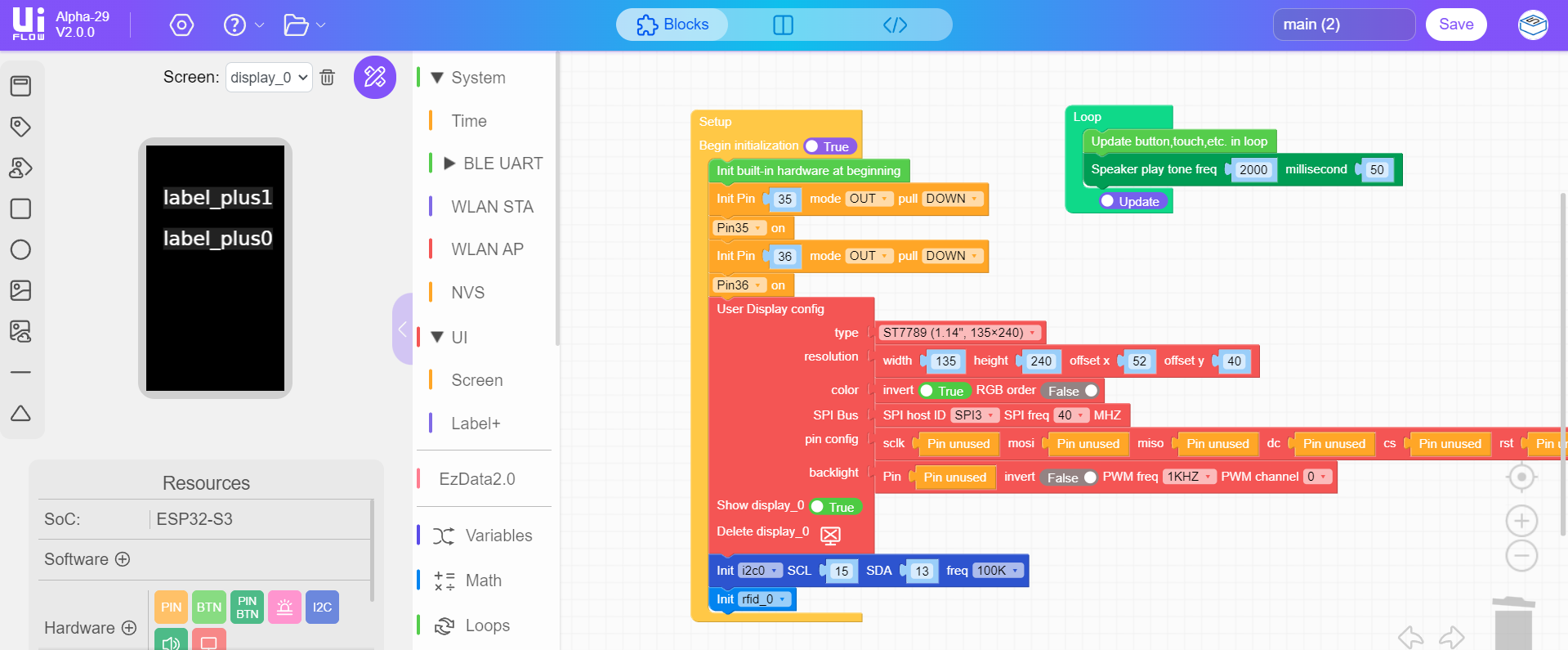
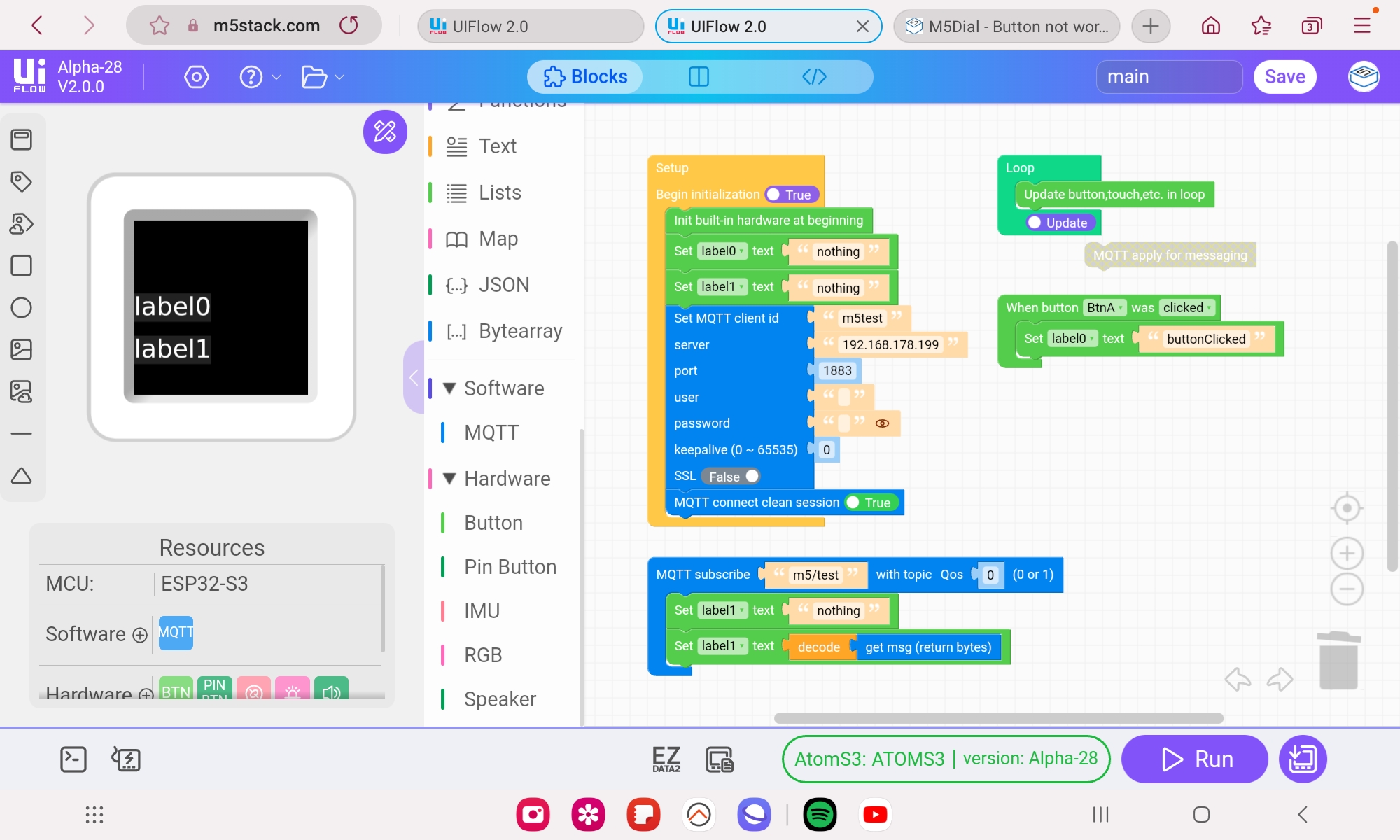
I finally figured it out, I was able to write to it with UIFlow2, I followed a YouTube where I was able to drag some shapes onto the screen.
The M5STACK text was gone. I just got a dim grey screen.
I could write to the device from a command console.
I could run dir() and so on.
From there I was able to burn the demo screen and then the UIFlow2 module.
I think my problem was the device was waiting for a response from the UIFlow program on the PC and didn't do anything until I ran the UIFlow2 on the PC.
Thanks for your help, I did re-burn the latest firmware but I had to get out of the UIFlow2 state first.
Now to RTFM.