🤖Have you ever tried Chat.M5Stack.com before asking??😎

Subcategories

  • Lessons and Guides for Uiflow

    125 Topics
    434 Posts
    A
    Hi, I'm a new user of M5stack products, having got an M5StickC Plus2 recently. It's a nice device, but the documentation isn't always accurate which makes learning how to use it a slow process. I tried to use the example for drawing a raw buffer to the screen here But it resulted in different garbled output each time and not a green rectangle. It seems that the len parameter is expecting 16-bit entries in the buffer so needs to be halved. Here's the code that works on my device (note the //2 for len parameter): width, height = 40, 30 green565 = 0x07E0 raw_buf = bytearray(width * height * 2) for i in range(width * height): raw_buf[2*i] = (green565 >> 8) & 0xFF raw_buf[2*i+1] = green565 & 0xFF Display.drawRawBuf(raw_buf, 100, 100, width, height, len(raw_buf)//2, swap=False) Hopefully this will help others and eventually get changed in the docs - assuming it's the same for all UIFlow2 supported devices? If anybody knows a fix to make it work properly for lower than 16bit depth screens so I can draw a raw buffer to a 1-bit canvas properly, please let me know!

  • 212 Topics
    790 Posts
    Y
    Hello I faced problem about digi-clock write charcter block. Problem is 3rd and 4th digit can not display with this block. I created below flow. Then Digi-Clock displays "0.1.:" for 1st and 2nd digit and colon. [image: 1778319992199-1aae8860-52c1-4c60-9097-5668ed98e2ee-image.jpeg] Howerver, index of write character block can be set only 0 to 4. Therefore it could not display 3rd and 4th digit. I think this index shoud be set 0 to 8. It doesn't work if index forced set to 5 to 8. (It was same behavior as 0 if index is set to 5.) I think the index for DigiClockUnit.set_char should be 0–8, not 0–4. https://uiflow-micropython.readthedocs.io/en/latest/unit/digi_clock.html Could you please kindly consider to fix this issue? (Or let me know please if any other solution available.) #Write raw data and write string blocks are works correctly. Using device -AtomS3 lite -Digi-clock UIFlow version:2.4.4 FW version:2.2.5 OS:Windows11 Thank you in advance Best Regards Yamada
  • 11 Topics
    33 Posts
    A
    @jeanfabre On web, just choice block type. [image: 1729260517944-86b7a25c93207d9a32e5b33471bb1f0.png] For code, add return description like this: def func(self) -> int: return 0
  • UI Flow RFID Face - help needed

    3
    0 Votes
    3 Posts
    6k Views
    C
    @m5stack I don’t think that would work, I need it to be written to the card in the raw hex value not in string, since it’s another system, that is going to read it, that will need the correct hex values and not the string converted one.
  • Ui Flow i2c scanner (Solved)

    2
    0 Votes
    2 Posts
    6k Views
    C
    Solved it, it returns the result in Dec, and not in Hex, don't know if there is a way to convert DEC to HEX [image: 1586098055975-i2c-scanner-simple.png]
  • MQTT issues with UIFlow V1.4.5

    5
    0 Votes
    5 Posts
    11k Views
    P
    @jcabad100 A) Even I am facing the same red "Connect Fail" error message every time I try to subscribe. I am using an M5Core Grey and cloudMQTT as a server. My intention is to send data from one M5 to another. The publish statement doesn't give the error whereas the subscribe gives an error every time. Can someone please help me with this? B) Also, can anyone tell me how can I subscribe to my M5 from cloudmqtt so that I can know if atleast publish works or not?
  • [Solved]M5fire read microphone

    Moved
    12
    0 Votes
    12 Posts
    28k Views
    I
    Hello, meanwhile it is possible to use the block "analog read pin (34)" from the blockpack "Easy I/O". So I was able to bild the probram from user M5DOCS just with UIFLOW. Unfortunally it just shows Numbers between 450 and 600 or so. And it dows not react to any sounds. This is the python code of the blockly program: ===== from m5stack import * from m5ui import * from uiflow import * from easyIO import * setScreenColor(0x222222) label0 = M5TextBox(122, 84, "Text", lcd.FONT_DejaVu24,0xFFFFFF, rotate=0) while True: label0.setText(str(analogRead(34))) wait_ms(100) wait_ms(2) What did I do wrong?
  • How to get the magnetometer values from M5Stack Fire by UIFlow?

    1
    0 Votes
    1 Posts
    4k Views
    No one has replied
  • Convert to Integer and test of integer give an Error (solved)

    9
    0 Votes
    9 Posts
    15k Views
    P
    @lukasmaximus Thanks for the tip. I hadn't thought of that. I thought I would have to construct my own block. Peter
  • Wrong Uiflow-Desktop-Ide version number

    2
    0 Votes
    2 Posts
    3k Views
    m5stackM
    @fmentiplay the left top hand corner is the UIFlow firmware version. in the "Check update" option. is the Desktop IDE software version . they are diffrence
  • Support for node

    6
    0 Votes
    6 Posts
    11k Views
    m5stackM
    @ecasti ok. the desktop IDE will update the demo program in next version
  • MQTT subscribes on UiFlow

    23
    0 Votes
    23 Posts
    90k Views
    C
    @world101 Thanx! After making new topics and setting them to QoS=0, and retain=0, it finally works with many MQTT subscriptions on both M5Stack and M5Stick-C! (1.4.4 and 1.4.5) (PS! Just changing the old topics that had retain back to no retain, did not work, had to make new ones.)
  • recover m5 file from m5stack

    5
    0 Votes
    5 Posts
    7k Views
    R
    @m5stack That worked! Thank you!
  • How-To: Using JSON & Map with MQTT

    1
    2
    4 Votes
    1 Posts
    7k Views
    No one has replied
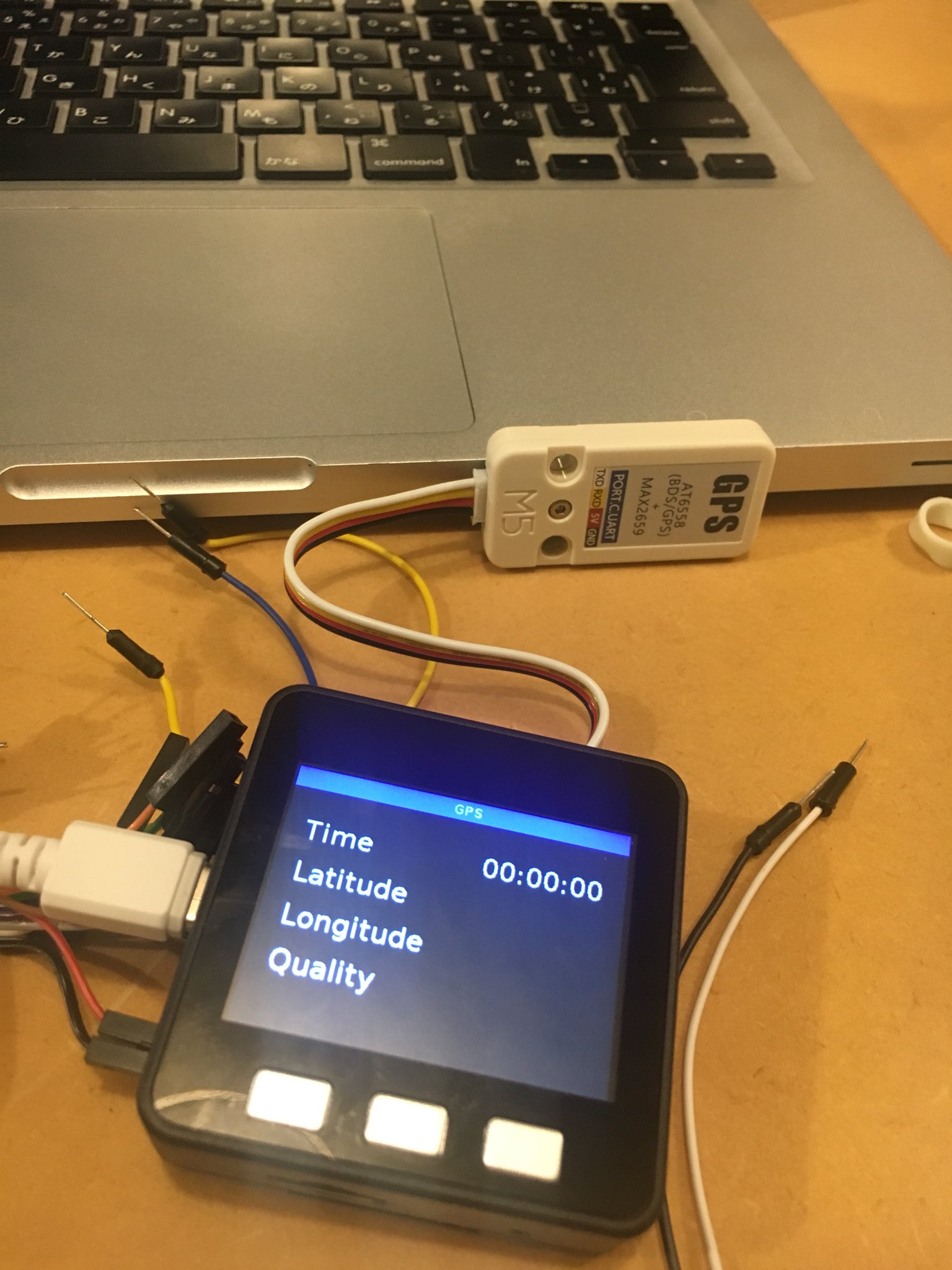
  • GPS unit isn't work with M5Stack Basic

    2
    1
    0 Votes
    2 Posts
    3k Views
    lukasmaximusL
    It seems there may be compatibility issues since uiflow firmware version 1.4.0 http://forum.m5stack.com/topic/1388/gps-data try to downgrade your firmware and retry your code
  • Tiny WebServer crashes after some hours

    6
    0 Votes
    6 Posts
    10k Views
    lukasmaximusL
    great job
  • Uiflow HTTP request

    9
    0 Votes
    9 Posts
    28k Views
    J
    Thanks so much I totally overlooked the plus sign and I was searching for a block in the map blocks. I’m grateful for you answering my question.
  • Print % into label

    6
    0 Votes
    6 Posts
    9k Views
    m5stackM
    @m5stickfreakler Ok, I will tell the engineer these problem. Thank you
  • Speaker beep and Wait

    22
    0 Votes
    22 Posts
    64k Views
    M5StickFreaklerM
    @world101 said in Speaker beep and Wait: If you want additional testing help, you’ll need to post exactly what your entire flow/program looks like, including connections and Units. Obviously there is something unique in your setup that I don’t have, because it’s working for me. from m5stack import * from m5ui import * from uiflow import * @timerSch.event('timer1') def ttimer1(): speaker.sing(220, 1/16) pass timerSch.run('timer1', 1000, 0x00) --> It works if I download it to the device --> It does not work if I run it from UIFlow
  • Heart rate in uiflow

    4
    0 Votes
    4 Posts
    5k Views
    S
    @m5stack Yes Heart rate sensor, sorry for my typo error. I will test it with arduino ide
  • what problem?

    1
    0 Votes
    1 Posts
    4k Views
    No one has replied
  • UIFlow Chinese translate

    2
    1
    0 Votes
    2 Posts
    4k Views
    sysdl132S
    [image: 1581169414267-9930c3a1-f06e-4aff-a276-ffcf561d6463-%E5%9B%BE%E7%89%87-resized.png] [image: 1581169437493-f8cacab2-0dba-41a3-b70c-25248d5060b2-%E5%9B%BE%E7%89%87.png] [image: 1581169458491-a3bde4b0-5f43-4f74-a2cd-9b045871c8b6-%E5%9B%BE%E7%89%87.png]
  • This topic is deleted!

    1
    0 Votes
    1 Posts
    12 Views
    No one has replied