🤖Have you ever tried Chat.M5Stack.com before asking??😎
  • Issue with Publishing and Subscribing in MQTT

    3
    1
    0 Votes
    3 Posts
    2k Views
    R
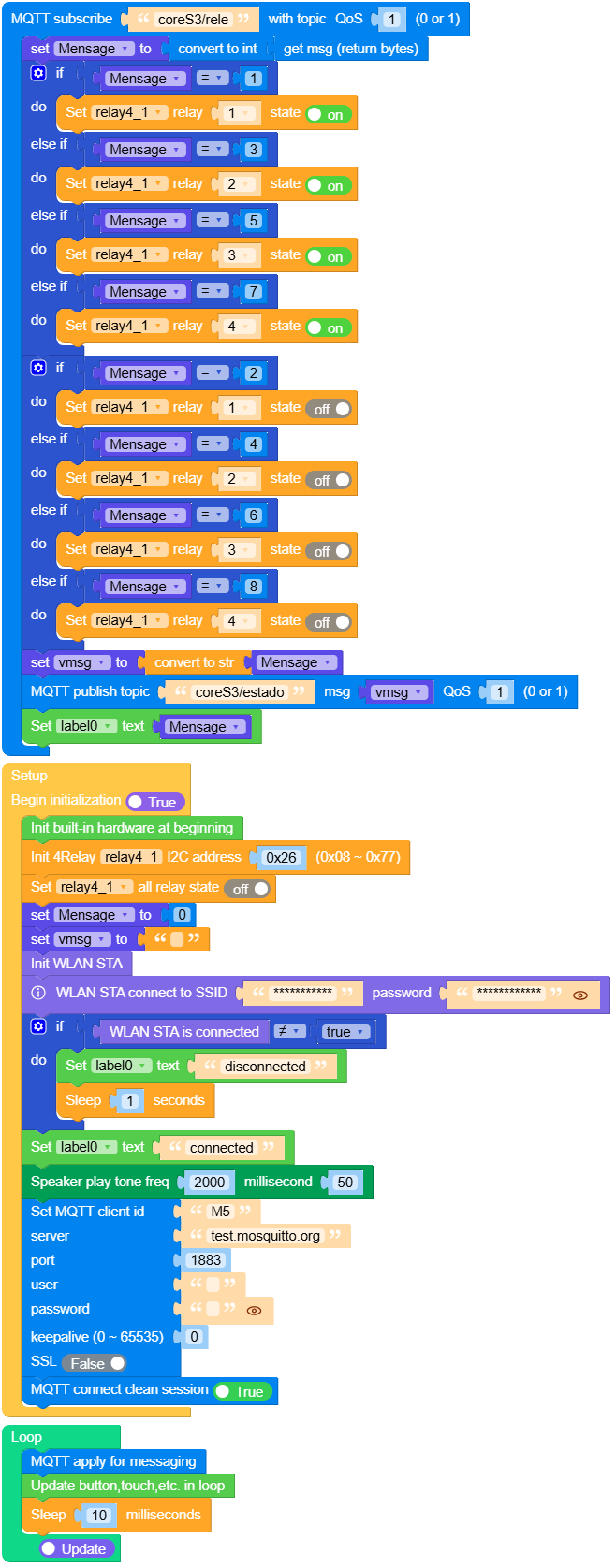
    @felmue Hello , Your code worked perfectly. I really appreciate the time and effort you put into helping me—it means a lot! Thank you! Roberto
  • EZData2 unable to POST to?

    1
    0 Votes
    1 Posts
    857 Views
    No one has replied
  • M2StickC Plus2 UIFlow

    2
    0 Votes
    2 Posts
    1k Views
    ajb2k3A
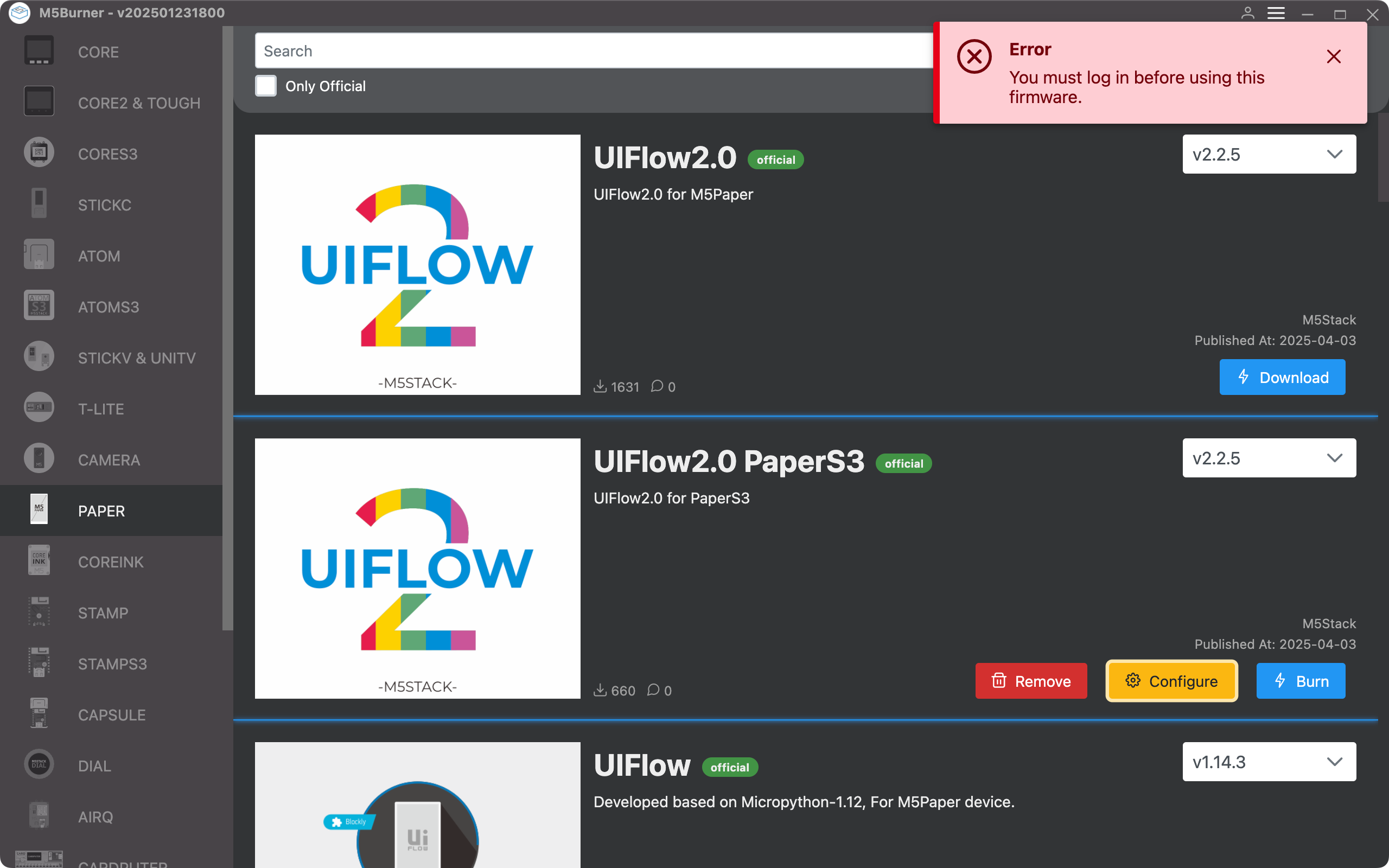
    @StefanM5 said in M2StickC Plus2 UIFlow: Ich konnte UiFlow auf mein M5 brennen und mit M5Burner wird er gefunden. Aber mit UiFlow für Windows 11 sagt er das mein M5 ist nicht online. Wo ist der Fehler ?? Haben Sie sich bei Ihrem Konto angemeldet und das Gerät während des Brennvorgangs an Ihr Konto gebunden?
  • Fix problem

    2
    0 Votes
    2 Posts
    1k Views
    ajb2k3A
    @NiktoI you need to use m5burner to erase the firmware to burn new firmware. You also need to put the cardputer into firmware mode.
  • 0 Votes
    7 Posts
    5k Views
    robskiR
    @Paulskpt I remember I had similar with CoreMP135 when uiflow2 firmware was loaded in to it, it won't display email and account status on display but..but it was connected and visible as online in web uiflow2 in device list
  • MQTT Software extension odd behavior

    2
    1 Votes
    2 Posts
    2k Views
    robskiR
    @oracle_sod and your code is.....
  • Wifi Invalid Mode

    3
    0 Votes
    3 Posts
    2k Views
    J
    @felmue Thanks Felix. I've added the same delay as in your code and that has fixed my issue. I still have an error in the terminal if I have it connected to my PC but at least the app is functioning now and I can restart my M5 Paper straight into the app. Thanks very much for your help. J
  • Printing Strings on New Lines Without Custom Edits

    3
    1
    0 Votes
    3 Posts
    2k Views
    P
    In most programming languages, you can print strings on new lines using escape sequences or built-in functions. In Python, use \n like print("Hello\nWorld"). In JavaScript, console.log("Hello\nWorld") works. Some languages support multiple arguments, like print("Hello", "World", sep="\n") in Python. This method ensures cleaner and structured output.
  • NTP in UIFLOW2?

    4
    1 Votes
    4 Posts
    2k Views
    C
    @ajb2k3 said in NTP in UIFLOW2?: @kuriko UIFlow2 has blocks available for UTP control but as UIFlow is built on micropython, NTP is available in the background code functions. Any possibility giving me some guidelines how to do this?
  • Writing UIFlow2 firmware with M5Buner causes certain pins to go HIGH

    1
    0 Votes
    1 Posts
    849 Views
    No one has replied
  • 0 Votes
    4 Posts
    3k Views
    P
    Public Profiles: Visible to all users, allowing others to see your projects, contributions, and activity. Great for networking and showcasing work. Private Profiles: Restricted visibility, keeping your projects and activity hidden unless shared directly. Ideal for personal or confidential work.
  • Time Problem UTC/localtime

    6
    0 Votes
    6 Posts
    4k Views
    S
    @PaulSchulz Same here, maybe they forgot or a workaround can be to get rtc time and add 30 min to display correct time, hope its updated soon
  • Examples of 'Lists'

    3
    0 Votes
    3 Posts
    2k Views
    B
    @kuriko There are no examples of Lists to be found there. Which is why I'm asking here.
  • UI widgets missing in UIFlow 2

    6
    0 Votes
    6 Posts
    4k Views
    A
    @all I'm a newbie, but I miss the very useful UI widgets from UIFlow 1 too.
  • BLE incomplete or I need help

    1
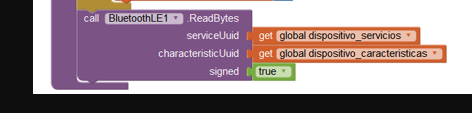
    2
    0 Votes
    1 Posts
    1k Views
    No one has replied
  • Please help with persistent error message. Thanks...

    6
    0 Votes
    6 Posts
    5k Views
    J
    Hi All, I'm a bit late to the party. I've had this same issue this week. I downloaded one of the default images to see that it was indexed colour and 8 bit. I'm not sure if this is also the issue as I stopped testing after I converted all my images and found what I believe to be the issue. When you select an image it will be added to the project files. However, the code that is created from the UIBlocks shows it is trying to load an image from res/img/.... As soon as I uploaded the image to this folder, via the web terminal file menu, my issue was resolved. I realise this is a bit late for the others, but, hopefully, new comers may find it useful.
  • Google maps bad request

    2
    0 Votes
    2 Posts
    1k Views
    J
    Hi All, I was actually using a method that is a little old. This has now been replaced. I've fleshed this out a little more to show only the duration but the working code is below. Replacing 'routes.duration' with '*' will return the full trip including turn by turn. import os, sys, io import M5 from M5 import * import requests2 import network import json import requests import math rect0 = None label1 = None label0 = None http_req = None wlan = None url = None responsejson = None timeseconds = None sliced = None def getETA(): global url, responsejson, timeseconds, label0, rect0, label1, http_req, wlan, sliced payload = json.dumps({ "origin": { "address": "32 London Bridge St, London SE1 9SG" }, "destination": { "address": "50 Lower Thames Street, London, EC3R 6DT" }, "routingPreference": "TRAFFIC_AWARE" }) headers = { 'X-Goog-FieldMask': 'routes.duration', 'Content-Type': 'application/json', 'X-Goog-Api-Key': '{{GMP API Key}}' } response = requests.request("POST", url, headers=headers, data=payload) responsejson = json.loads((response.text)) timeseconds = responsejson["routes"][0]["duration"] #sliced = slice(0,4) #print(timeseconds[slice(4)]) print(str(math.trunc(int(timeseconds.strip("s"))/60)) + "m" ) label0.setText(str(math.trunc(int(timeseconds.strip("s"))/60)) + "m" ) def setup(): global label0, rect0, label1, http_req, wlan, url, timeseconds, responsejson, sliced M5.begin() Widgets.fillScreen(0xeeeeee) label0 = Widgets.Label("Start", 317, 99, 1.0, 0x000000, 0xeeeeee, Widgets.FONTS.DejaVu72) rect0 = Widgets.Rectangle(301, 52, 199, 199, 0x000000, 0xeeeeee) label1 = Widgets.Label("Pitacs ETA", 336, 207, 1.0, 0x000000, 0xeeeeee, Widgets.FONTS.DejaVu24) wlan = network.WLAN(network.STA_IF) wlan.connect('<Network SSID>', '<Network Password>') url = 'https://routes.googleapis.com/directions/v2:computeRoutes?key=<google maps api key>' def loop(): global label0, rect0, label1, http_req, wlan, url, timeseconds, responsejson, sliced M5.update() if BtnA.isPressed(): getETA() if name == 'main': try: setup() while True: loop() except (Exception, KeyboardInterrupt) as e: try: from utility import print_error_msg print_error_msg(e) except ImportError: print("please update to latest firmware")

  • CoreInk display fades

    12
    0 Votes
    12 Posts
    6k Views
    felmueF
    Hello @desmbr indeed, that doesn't look good. I wonder if maybe the internal battery is defective preventing the power rails from reaching the proper voltages. Edit: first, however I would unplug the hat and maybe try a different USB power supply. If you still have warranty, I suggest you ask for a replacement. If not, you might try to open it and disconnect the battery to see if that helps. These pictures I took a while ago might be helpful opening M5CoreInk. Thanks Felix
  • This topic is deleted!

    2
    0 Votes
    2 Posts
    22 Views
    No one has replied
  • TF card base

    1
    0 Votes
    1 Posts
    834 Views
    No one has replied