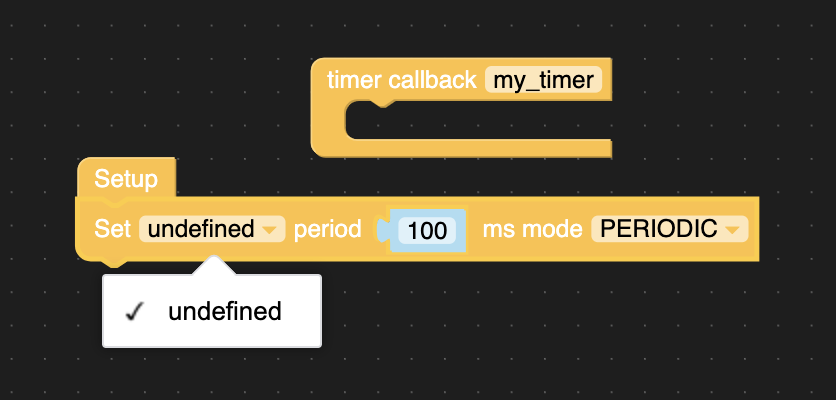
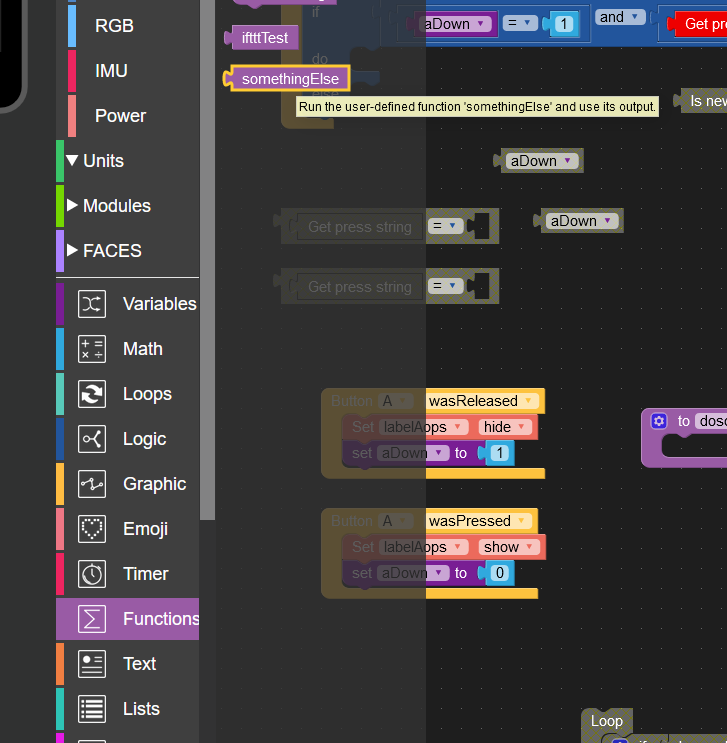
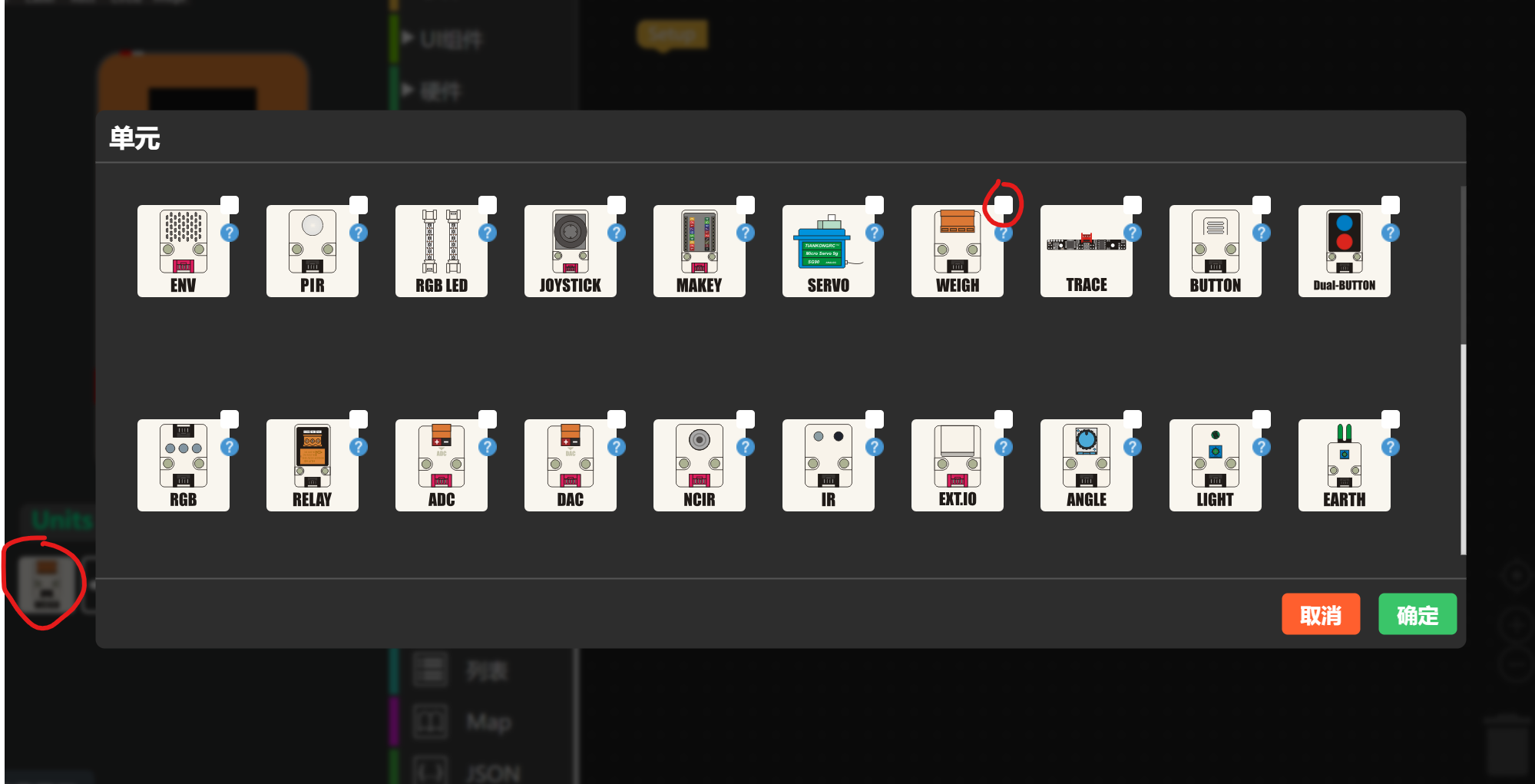
@ipodlux For the time being, I stopped using uiFlow (or Python) for IMU related project. It is not reliable and it is slow. Use Arduino IDE, you will have a much faster code and reliable result.
@ajb2k3 I have an Internet connection with IPV6 dual stack lite and I create the code with Web Uiflow on M5Stach Fire
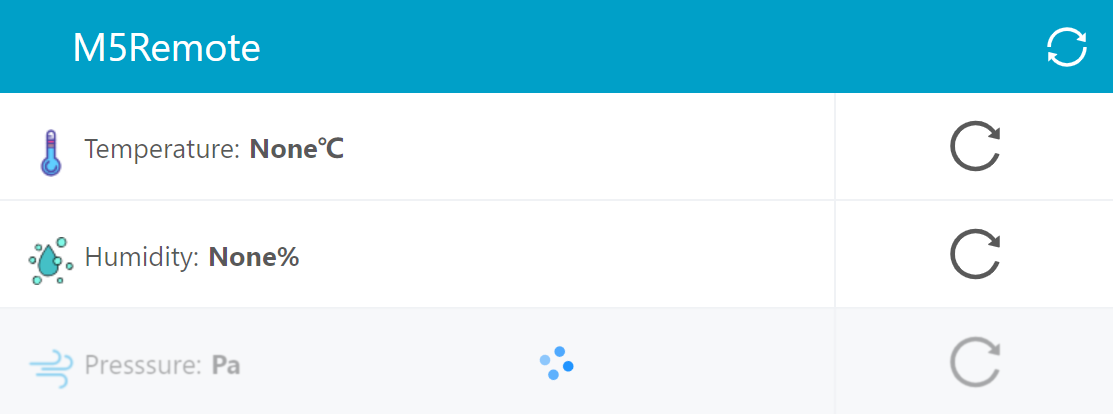
i read the QR code with my IPphone and get the web page with the switch and slider, but i can't switch or dim the LDR
@ m5stack
I have installed the update. Now it works great!!
With version 1.4.5 and 1.5.1 !
Thank you very much for the fast problem solution!!
Top !!
greeting skink
@spoetnic M5Burner needs to Be put in a folder called M5Burner before it will work.
I wonder if that is the same problem With UIFlow crashing at startup.
It may be a problem with windows but DO NOT reinstall windows.
What driver is the com port trying to use as it could be a driver conflict?
Also both windows and OSX need to be shut down and cold started after installing the drivers in order for the drivers to finish installation properly. If this cold start is skipped it can sometime result in a corrupt or conflicting com port driver install.
And last thing is to try a good quality USBC lead as they are prone to failures.
Same problem here since weeks.
It looks like that it is a bug in UIFlow.
Because in Visual Studio Code it the upload to the device works well with the same usb driver.
if your device was build-in MPU6886. it use the ''balance loop" will be reverse direction. so , maybe you can use the Arduino Example
Github LInk:
https://github.com/m5stack/M5Stack/tree/master/examples/Modules/Bala
There is no good solution to this problem in UIFow. If it is in Arduino, you can refer to the issue mentioned in the issues to modify Digital read to Analog read
please create an issue on https://github.com/m5stack/UiFlow-Bug-Report this will hopefully make it more visible to the engineers. However be aware it is chinese new year holiday now so it may be a week or two before the issue gets looked into